


HR365 - Human Resources Management Solution
TimeSheet 365 - Time recording Solution
FixIT 365 - IT Help Desk
LegalCase 365 - Legal Case Management Solution

Do You Know How Many Copilot Agents Are Running in Your Tenant?

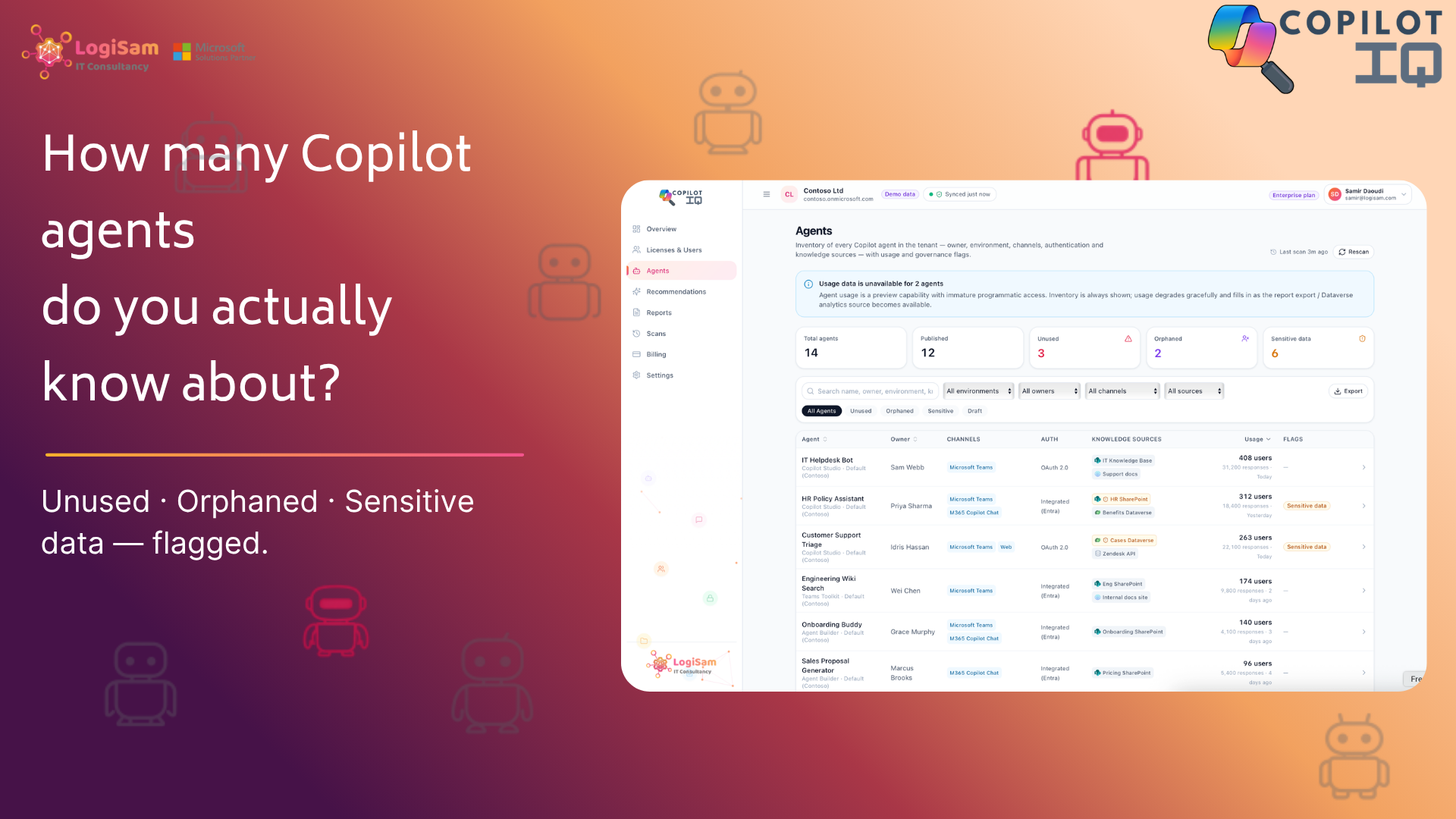
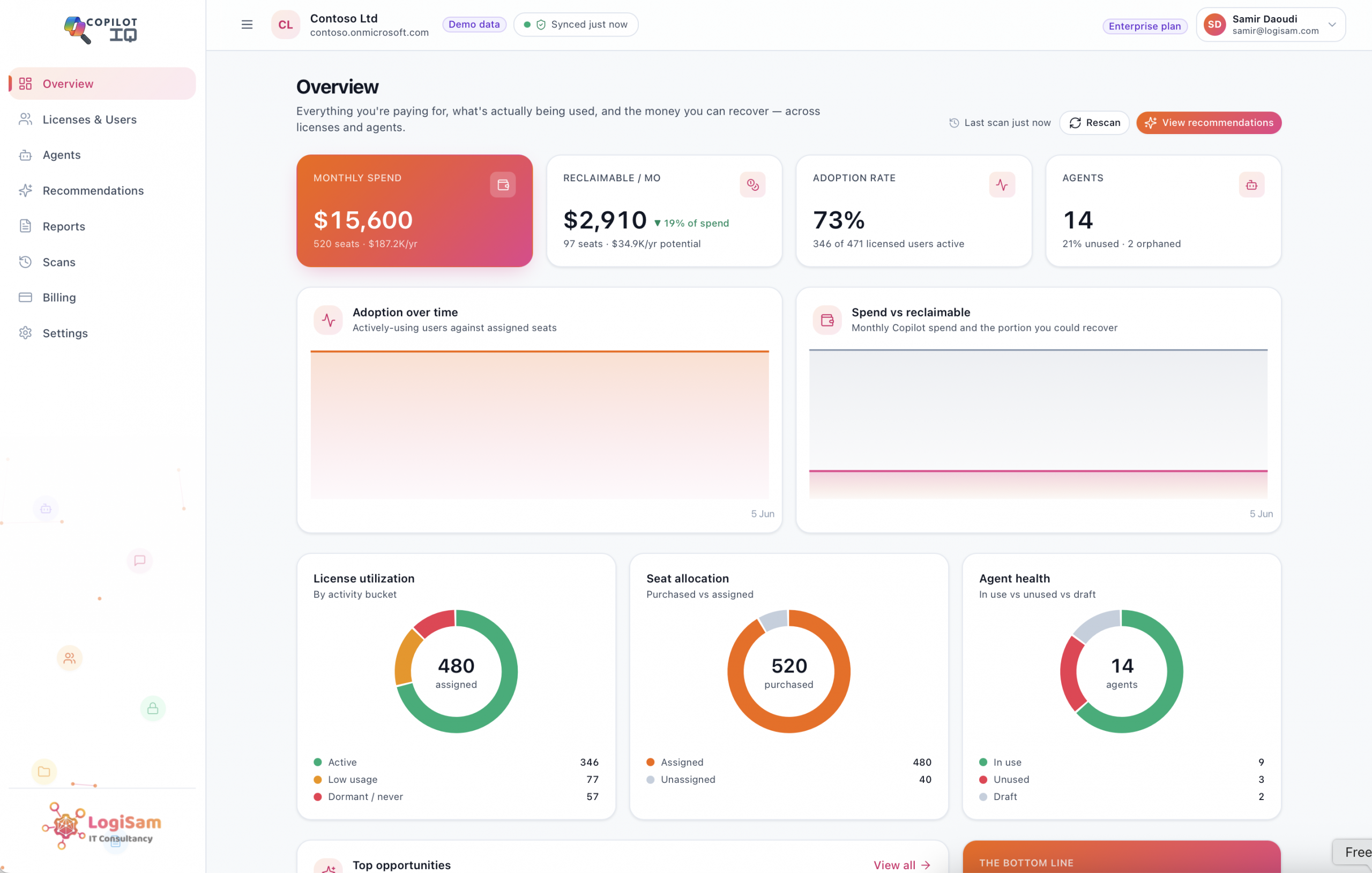
Copilot Studio made AI agents easy to build — and easy to forget. CopilotIQ inventories every agent in your tenant and flags the unused, orphaned and sensitive-data risks, so shadow AI doesn’t become your next incident.

Microsoft made building AI agents genuinely easy.

Copilot Studio, Agent Builder, Teams — a few clicks and someone in your organisation has a working agent connected to company data.

That’s a productivity win and a governance headache in the same breath, because the same low friction that makes agents easy to create makes them easy to forget.


Picture the typical lifecycle. An agent gets built during a workshop to solve a specific problem.

It’s shared widely so the team can try it.

It’s wired to a SharePoint site — which happens to contain sensitive documents — so it can answer questions usefully. Then the project moves on. The person who built it changes role or leaves. The agent keeps running, keeps responding, and keeps holding a connection to that sensitive source. Nobody owns it. Nobody reviews it. Nobody could even produce a list of it.

This is shadow AI, and unlike shadow IT of a decade ago, it can read and surface your organisation’s data on request.

Visibility first

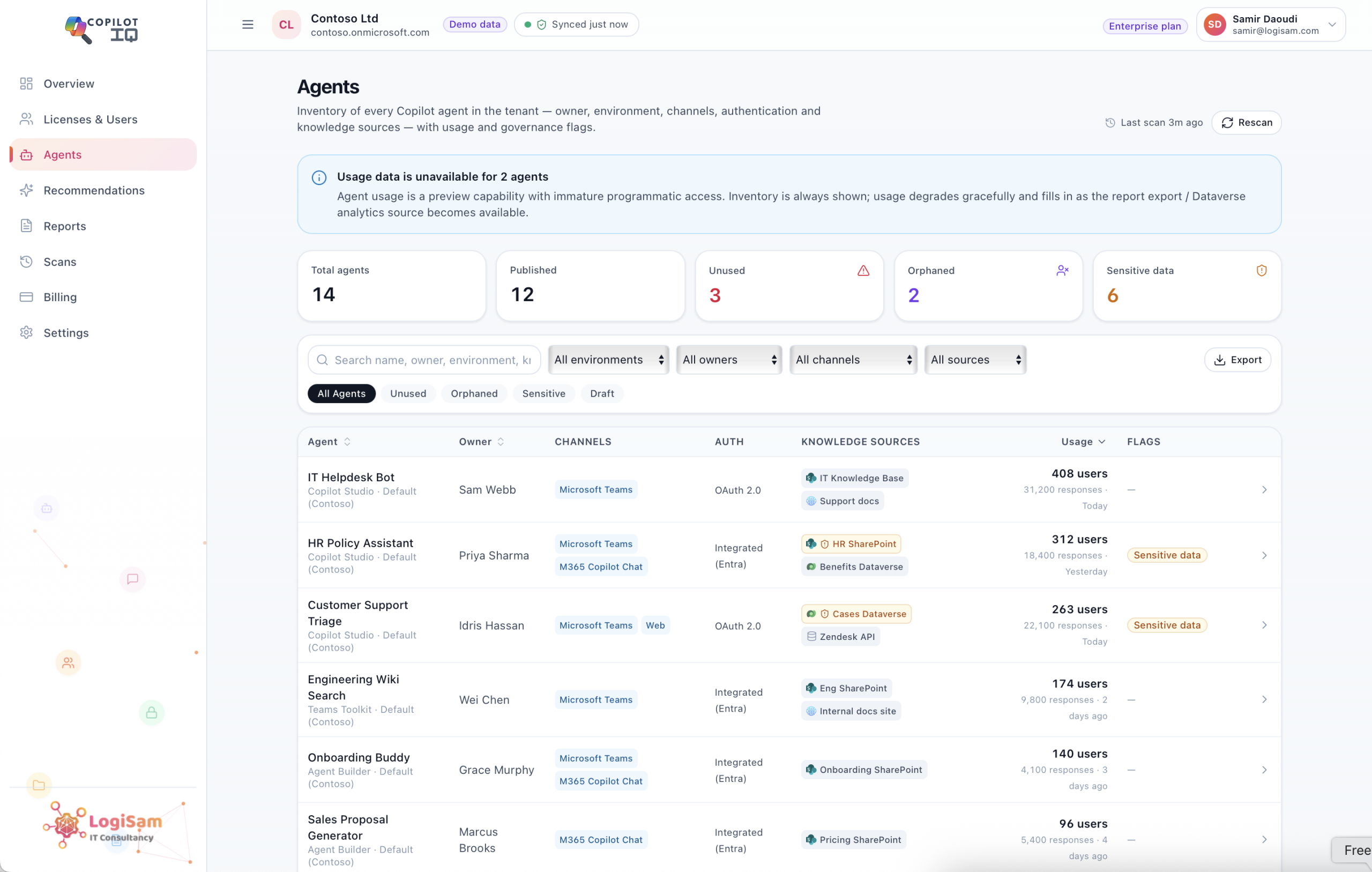
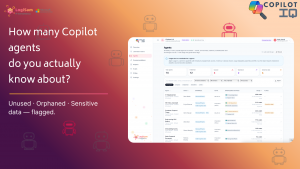
You cannot govern what you cannot see, so CopilotIQ starts with the inventory you’re missing — read-only, no agent left in the dark:

  • Every agent, fully described — its source (Copilot Studio, Agent Builder, Teams), environment, channels, owner and authentication mode.
  • The risk flags that matter — unused (no active users or responses), orphaned (the creator’s account no longer exists, so there’s no accountable owner), and sensitive data (connected to a knowledge source you’ve flagged as regulated or confidential).
  • Sharing scope — exactly who and what each agent is exposed to, including the ones quietly shared with everyone in the organisation.
  • Publishing status — what’s live versus sitting in draft, so you can distinguish a real exposure from a work-in-progress.

From a sprawling estate to a clear worklist

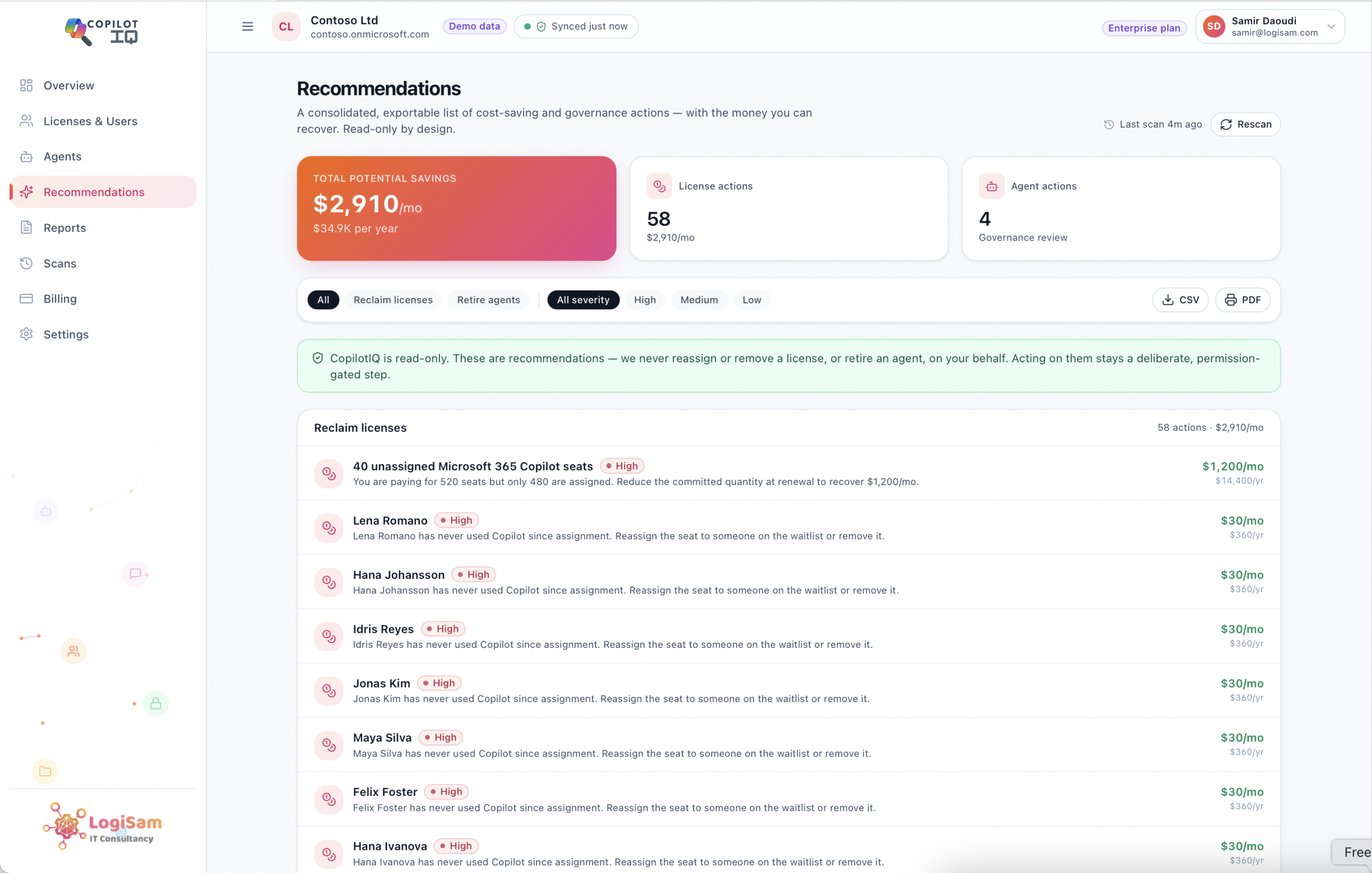
The output isn’t another dashboard to admire — it’s a list you can act on. Filter to the orphaned agents and decide who should own them. Filter to the sensitive-data agents and review whether that access is still appropriate. Filter to the unused agents and retire what’s just adding attack surface and clutter. CopilotIQ even consolidates these into prioritised recommendations, so the highest-risk items rise to the top.

Without ever reading a conversation

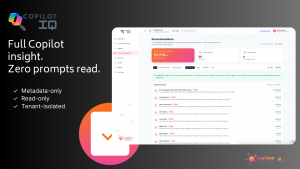
True to the rest of CopilotIQ, agent governance is metadata-only and read-only. It inventories and flags; it never reads what users asked an agent or how it answered, and it never modifies or deletes an agent on your behalf. You stay firmly in control of every action — CopilotIQ just makes sure you’re acting with the full picture.

Agents are going to keep being created; that’s a good thing. The organisations that stay safe will be the ones that can see the whole estate at a glance and review it on a cadence. Bring your Copilot agents out of the shadows before one of them becomes an incident.

You might also like

The Copilot Report Your CFO Actually Wants

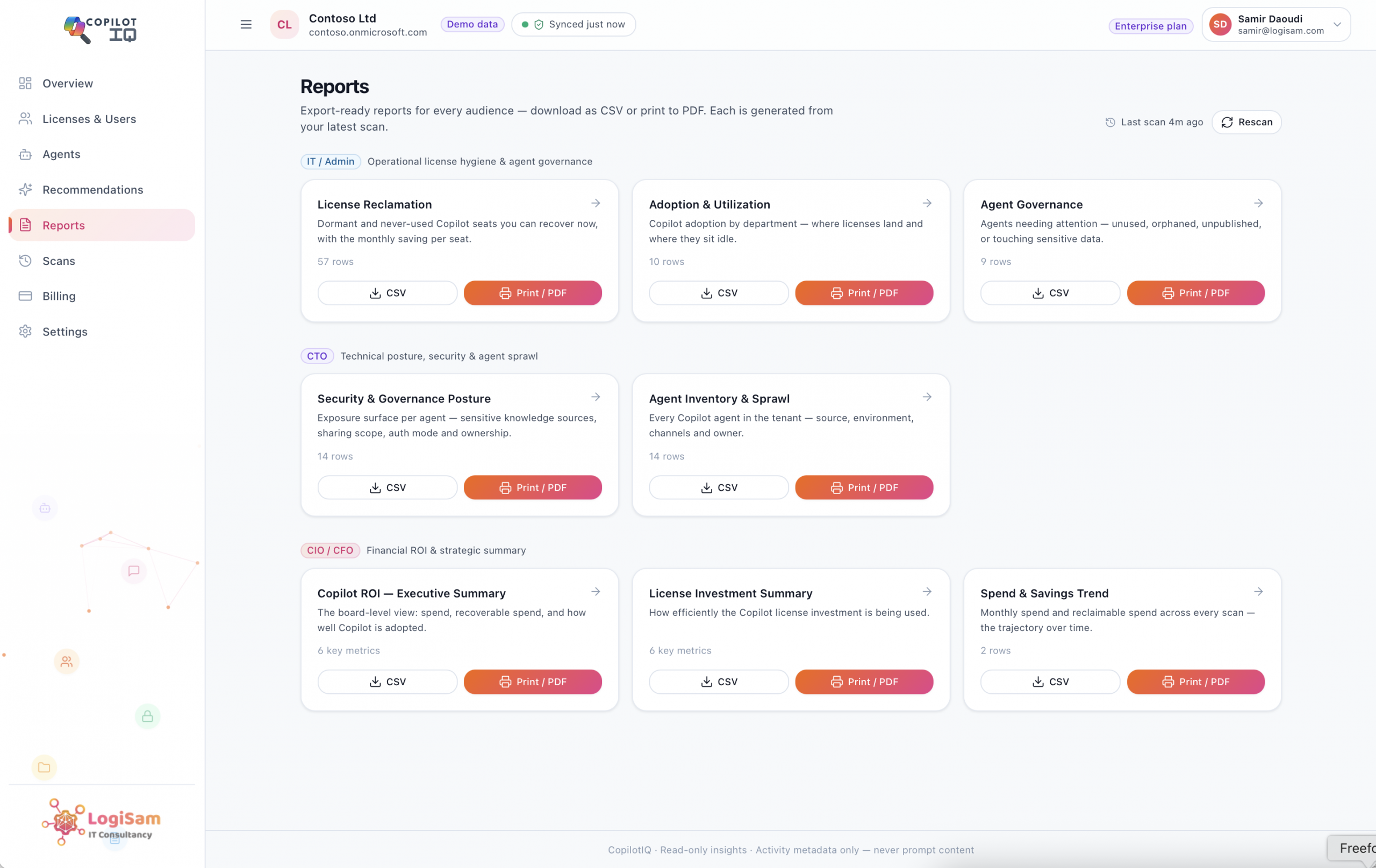
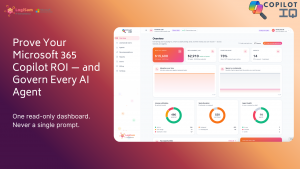
Finance wants one page: spend, value, and what’s recoverable. CopilotIQ generates board-ready CIO, CTO and IT reports from every scan — exportable to CSV/PDF, with trends over time — so renewal conversations run on numbers, not assumptions.
Stop paying for idle Copilot seats.

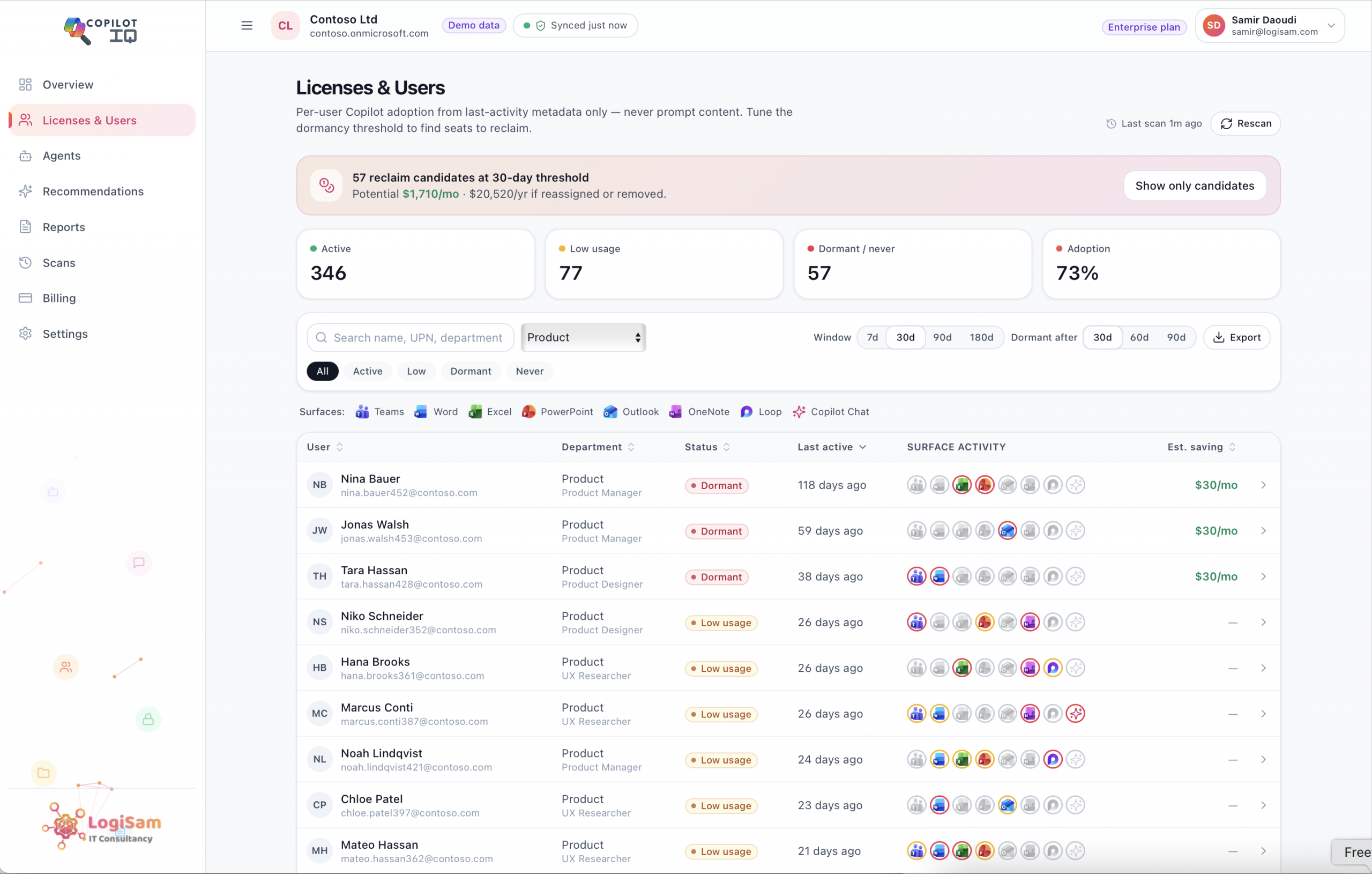
Idle Copilot seats quietly drain budget every month. CopilotIQ classifies every licence as active, dormant or never-used — and shows your reclaimable spend per month and per year, with a per-user list you can act on.