


Why Copilot Gives Wrong Answers: Stale Data, Not Bad AI
Copilot doesn’t check if a file is still accurate before using it. See why stale, redundant tenant data is the real reason Copilot gives wrong answers.

Microsoft 365 Copilot has become one of the fastest-growing lines in the IT budget — and one of the hardest to defend at renewal. The purchase is simple. The justification is not. You can see how many licences you bought; whether they’re actually changing how people work is a different, murkier question. And while everyone’s focused on licences, a second story is unfolding quietly in the background: AI agents are multiplying across Copilot Studio, Agent Builder and Teams, often with no clear owner, no review cadence, and no inventory anyone can produce on demand.
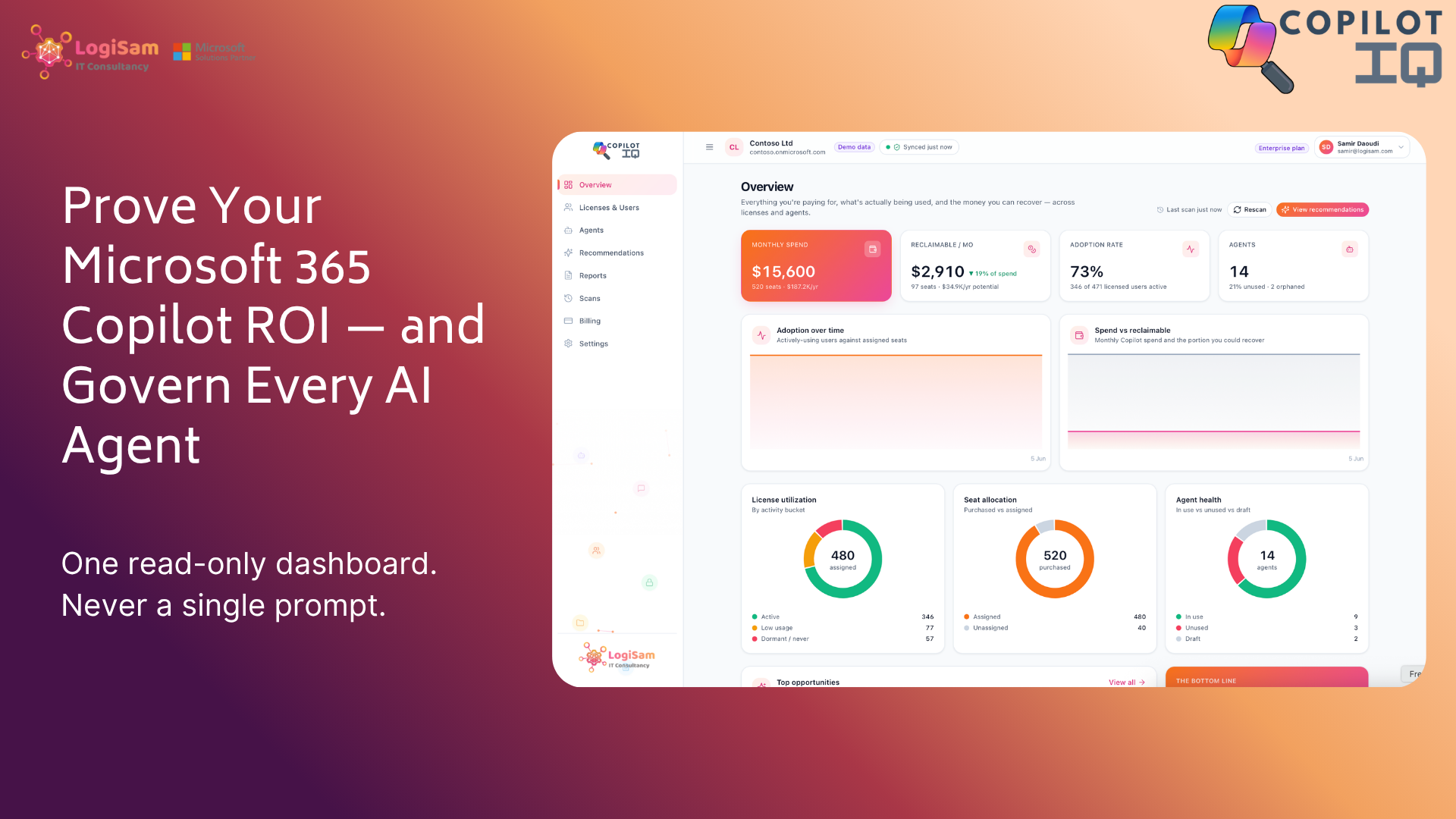
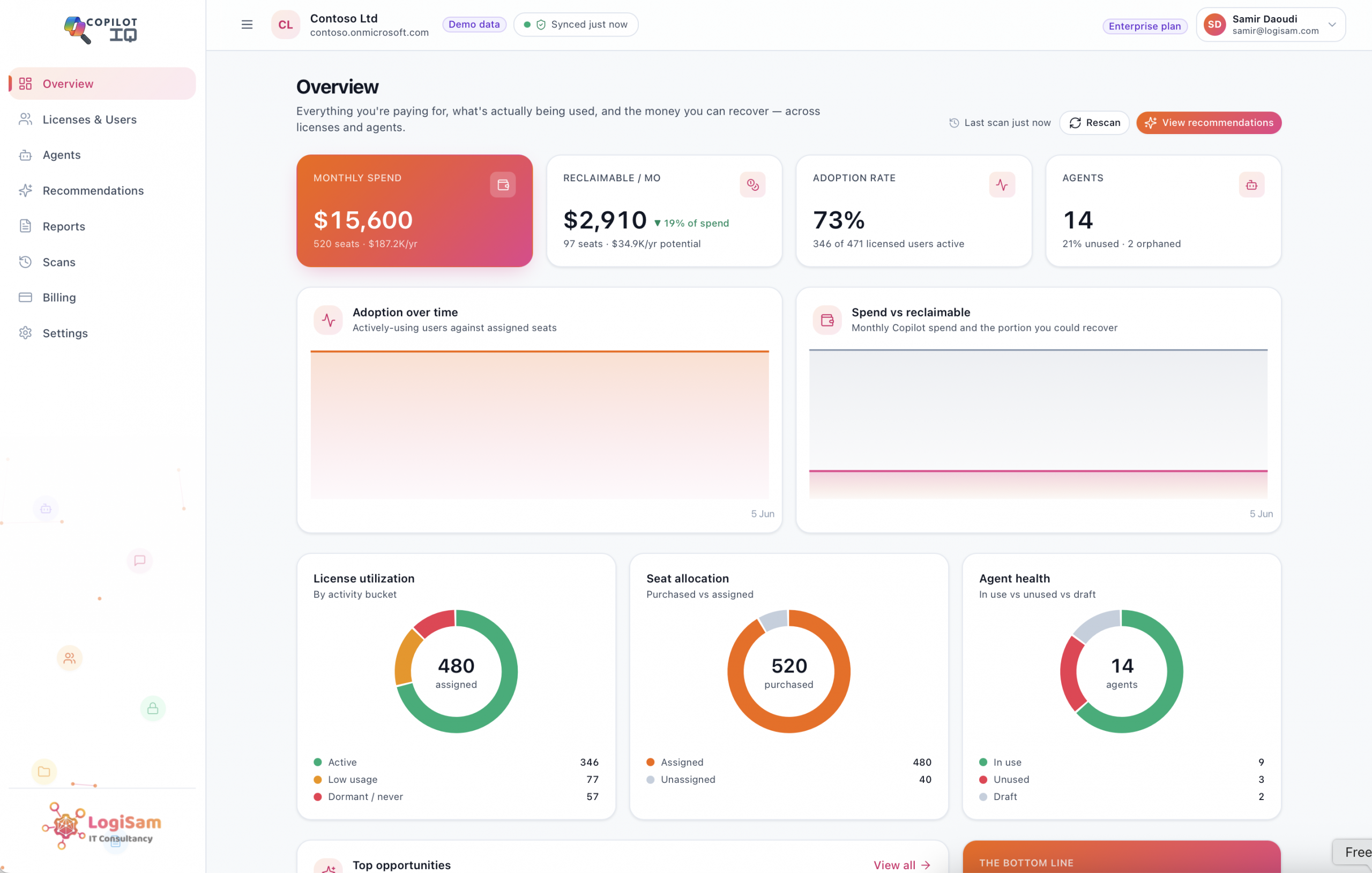
CopilotIQ was built to bring both of those stories into a single, read-only dashboard — so you can manage Copilot like the significant investment it now is.
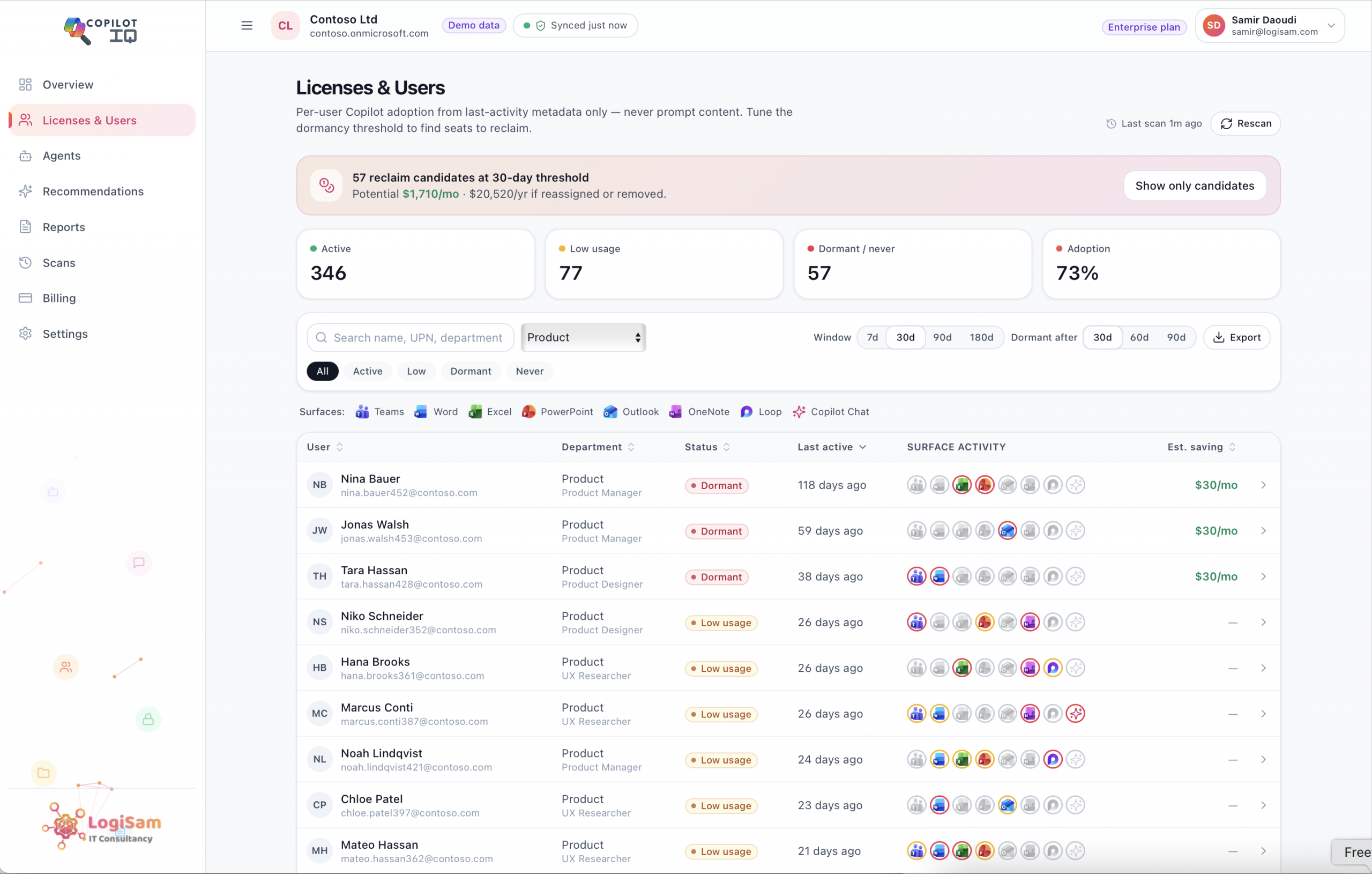
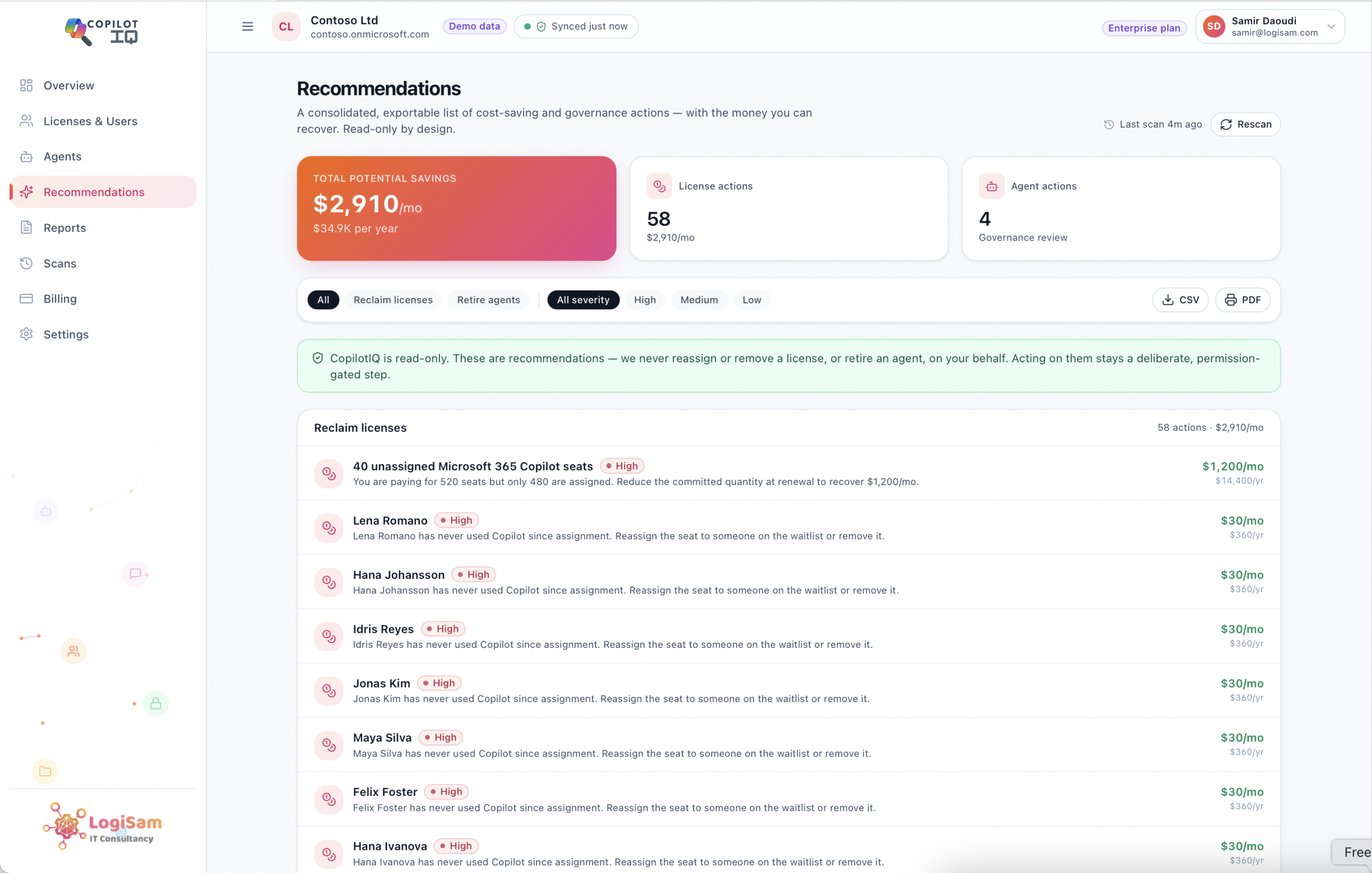
CopilotIQ compares the seats you’ve purchased against the seats you’ve assigned, then goes one step further and measures how many of those assigned users are actually active. It classifies every licensed user as active, low-usage, dormant or never-used against a dormancy threshold you control, and turns the waste into a hard number: your reclaimable spend, expressed both monthly and annually, with a per-user breakdown you can act on.
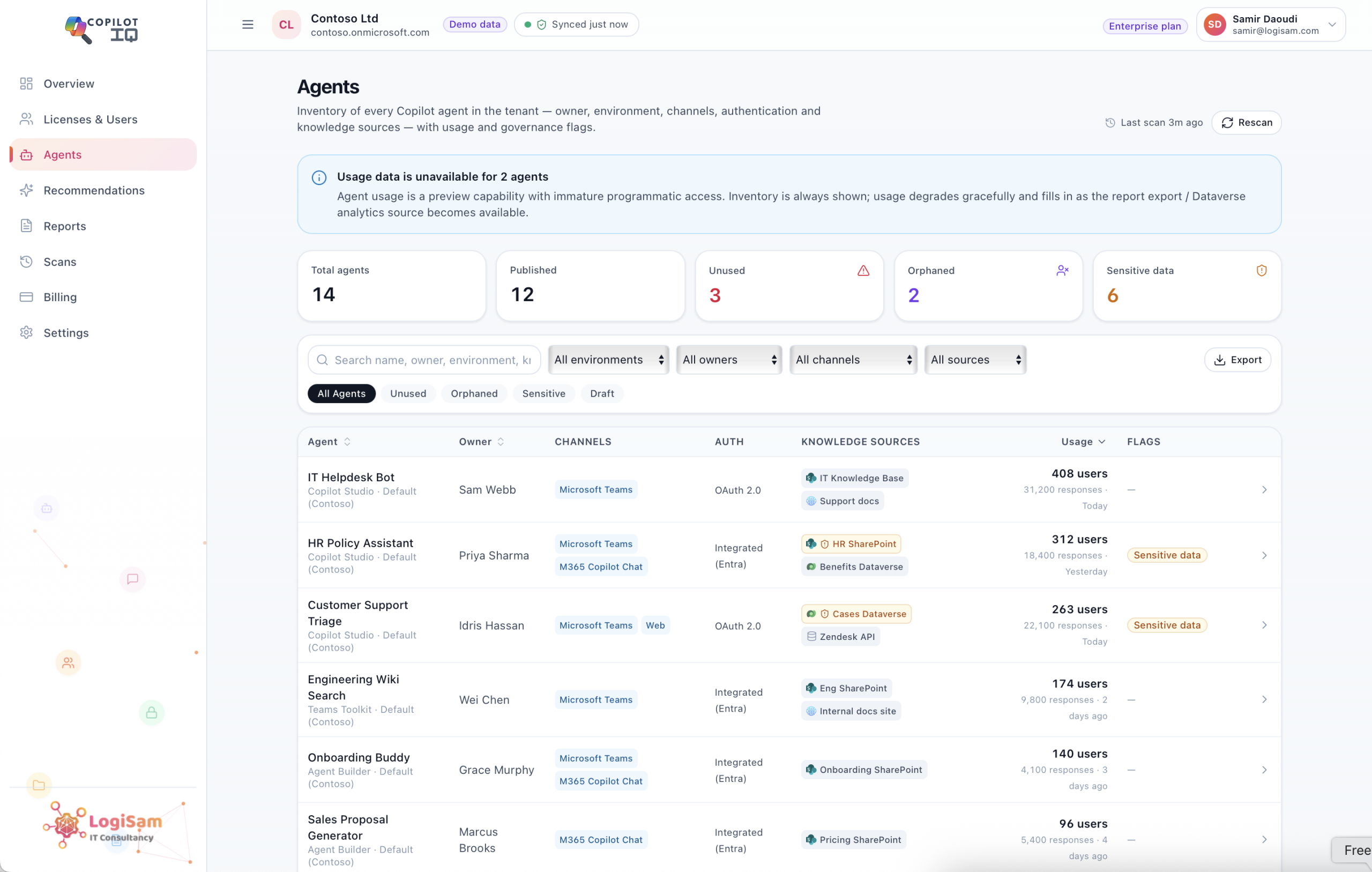
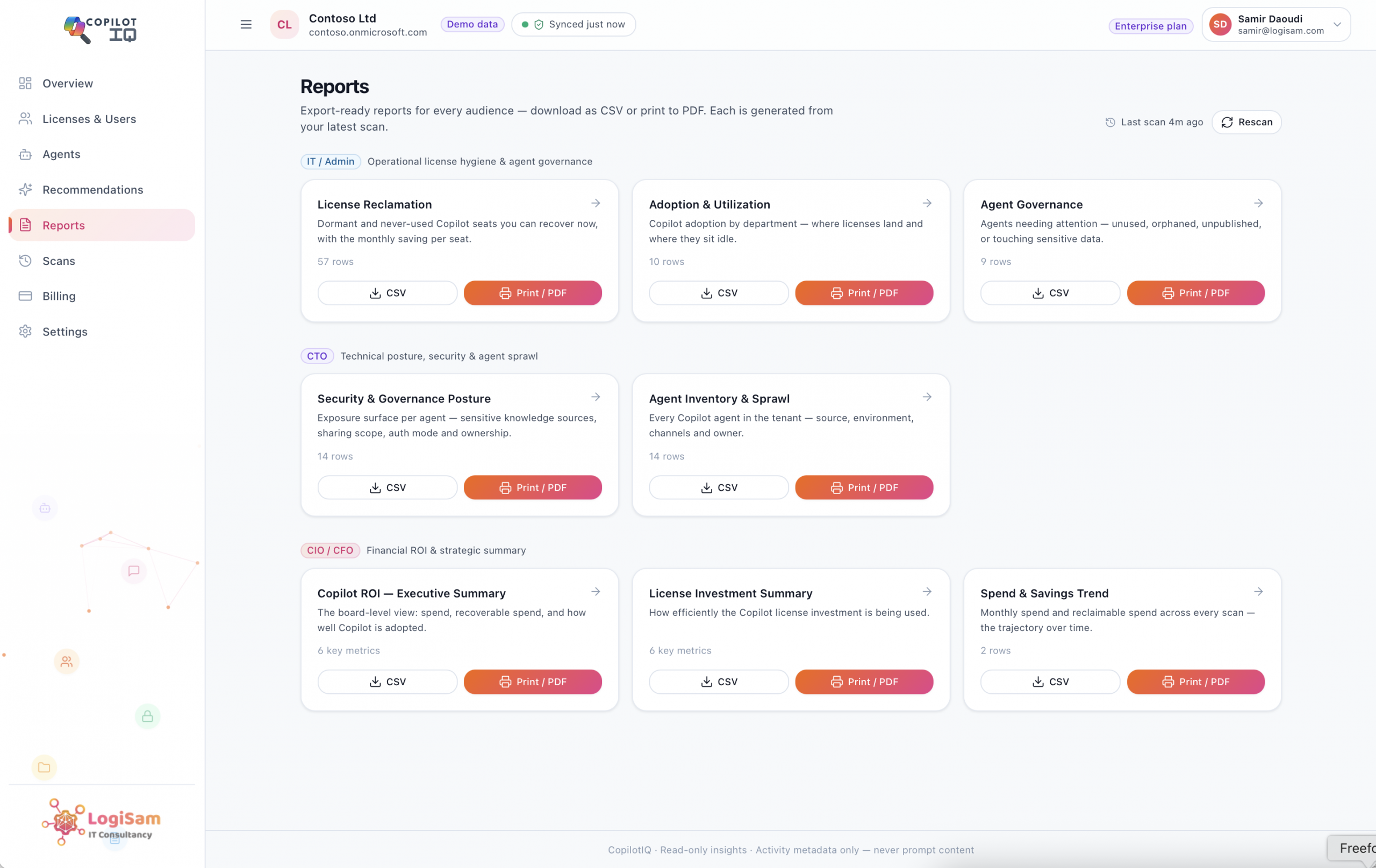
CopilotIQ builds a complete inventory of every Copilot agent in your tenant — its source, owner, environment, channels, authentication mode and knowledge sources — and flags the ones that need attention: unused (no activity), orphaned (the creator’s account is gone), and sensitive-data (connected to a regulated or confidential source). You finally get to see the agent estate you’ve been accumulating.
Every figure CopilotIQ produces comes from activity metadata and your own pricing configuration — never from prompt content. It does not read what people type into Copilot, and it does not change anything in your tenant. It surfaces the opportunity and the risk; the decision to reclaim a seat or retire an agent stays a deliberate, permission-gated step you take. That’s a deliberate design choice, and it’s the reason CopilotIQ is something you can put in front of a security team without a difficult conversation.
Begin with a free, one-time scan and get an instant ROI summary for your tenant — no commitment, read-only access, results in minutes. When you’re ready for more, Pro adds monthly scans, full reports and recommendations for a single tenant, and Enterprise removes every cap and adds multi-tenant switching for the MSPs and groups managing Copilot across many organisations.
Copilot isn’t going anywhere. The teams that win with it will be the ones who can measure it, govern it, and prove its value on demand. CopilotIQ makes that the easy path.

Copilot doesn’t check if a file is still accurate before using it. See why stale, redundant tenant data is the real reason Copilot gives wrong answers.


Finance wants one page: spend, value, and what’s recoverable. CopilotIQ generates board-ready CIO, CTO and IT reports from every scan — exportable to CSV/PDF, with trends over time — so renewal conversations run on numbers, not assumptions.
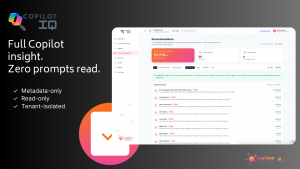
Copilot insight shouldn’t mean reading people’s prompts. CopilotIQ is metadata-only and read-only by design — full ROI and governance visibility, zero access to prompt content. Insight without intrusion.
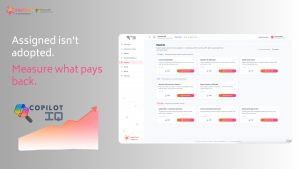
Licences assigned is a vanity metric. CopilotIQ measures real adoption — active users across every Copilot surface, tracked over time — so you can prove value and target enablement where it actually moves the needle.
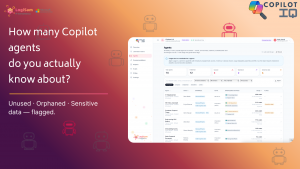
Copilot Studio made AI agents easy to build — and easy to forget. CopilotIQ inventories every agent in your tenant and flags the unused, orphaned and sensitive-data risks, so shadow AI doesn’t become your next incident.

Copilot is easy to buy and hard to measure. CopilotIQ turns licence spend and AI-agent sprawl into one clear, read-only dashboard — so you can prove ROI and govern every agent without ever touching a prompt.