Stop paying for idle Copilot seats.
Idle Copilot seats quietly drain budget every month. See how to classify every licence as active, dormant, or never-used, and reclaim what's not earning…


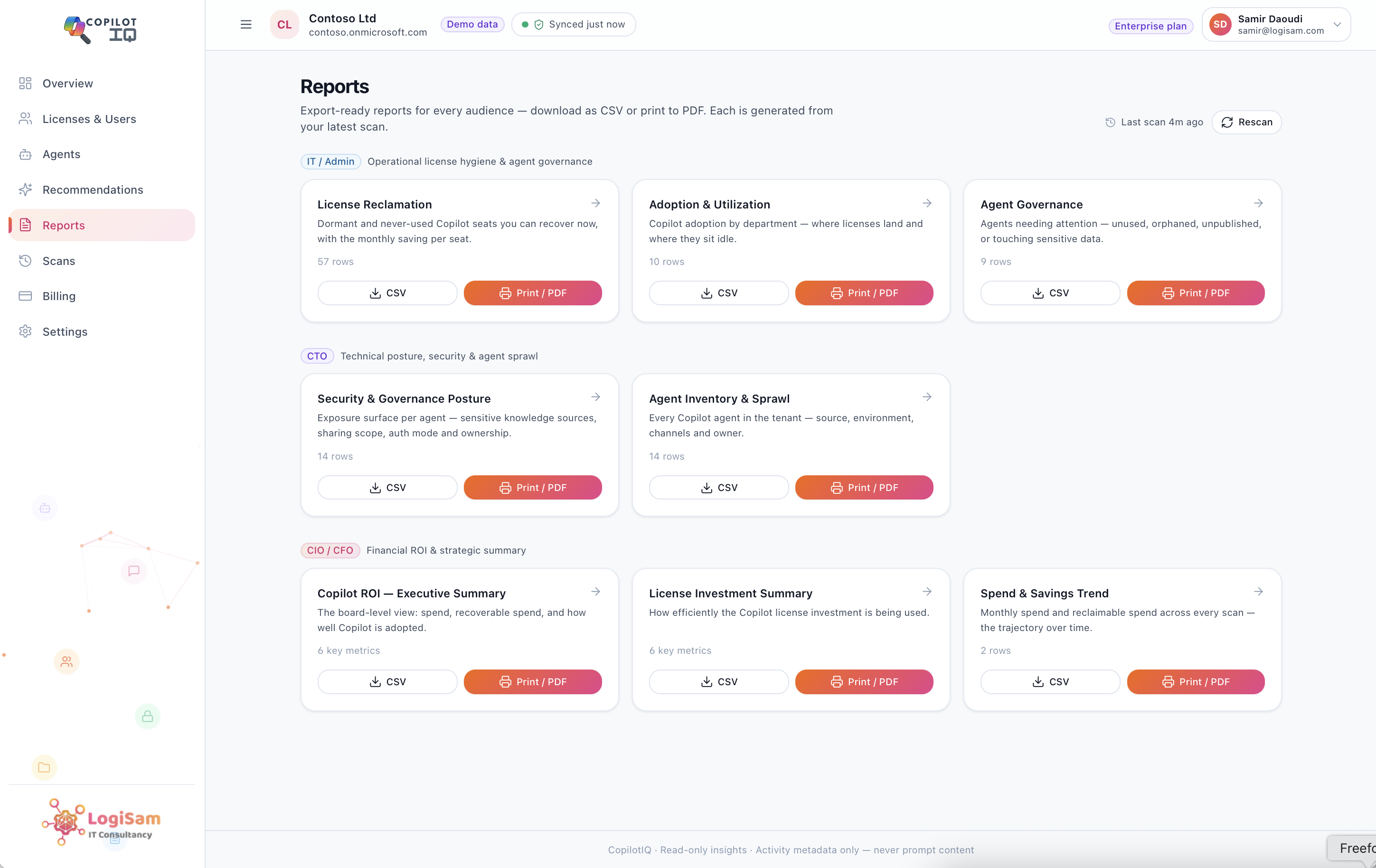
Idle Copilot seats quietly drain budget every month. Copilot Insights classifies every licence as active, dormant or never-used — and shows your reclaimable spend per month and per year, with a per-user list you can act on.
Here’s a number most organisations can’t answer with confidence: of every Microsoft 365 Copilot seat you’re paying for right now, how many are genuinely being used? Not assigned — used, this month, by a real person doing real work.
For most teams, the honest answer is “we’re not sure.”
And that uncertainty is expensive, because Copilot is a premium, recurring per-seat cost. Every seat that sits idle is money leaving the business every single month, quietly, with nothing to show for it.
Why the waste accumulates
It’s rarely anyone’s fault — it’s just how rollouts work. Seats get assigned in a big batch at launch and never touched by half the recipients. Enthusiastic pilot users move to new roles. A department trials Copilot for a quarter, the trial ends, but the licences are never reclaimed. Multiply small leaks like these across hundreds or thousands of seats and you get a budget line that’s materially larger than the value it delivers.
What Copilot Insights shows you — in minutes
Copilot Insights runs a read-only scan of your tenant and turns the fog into a clear, actionable picture:
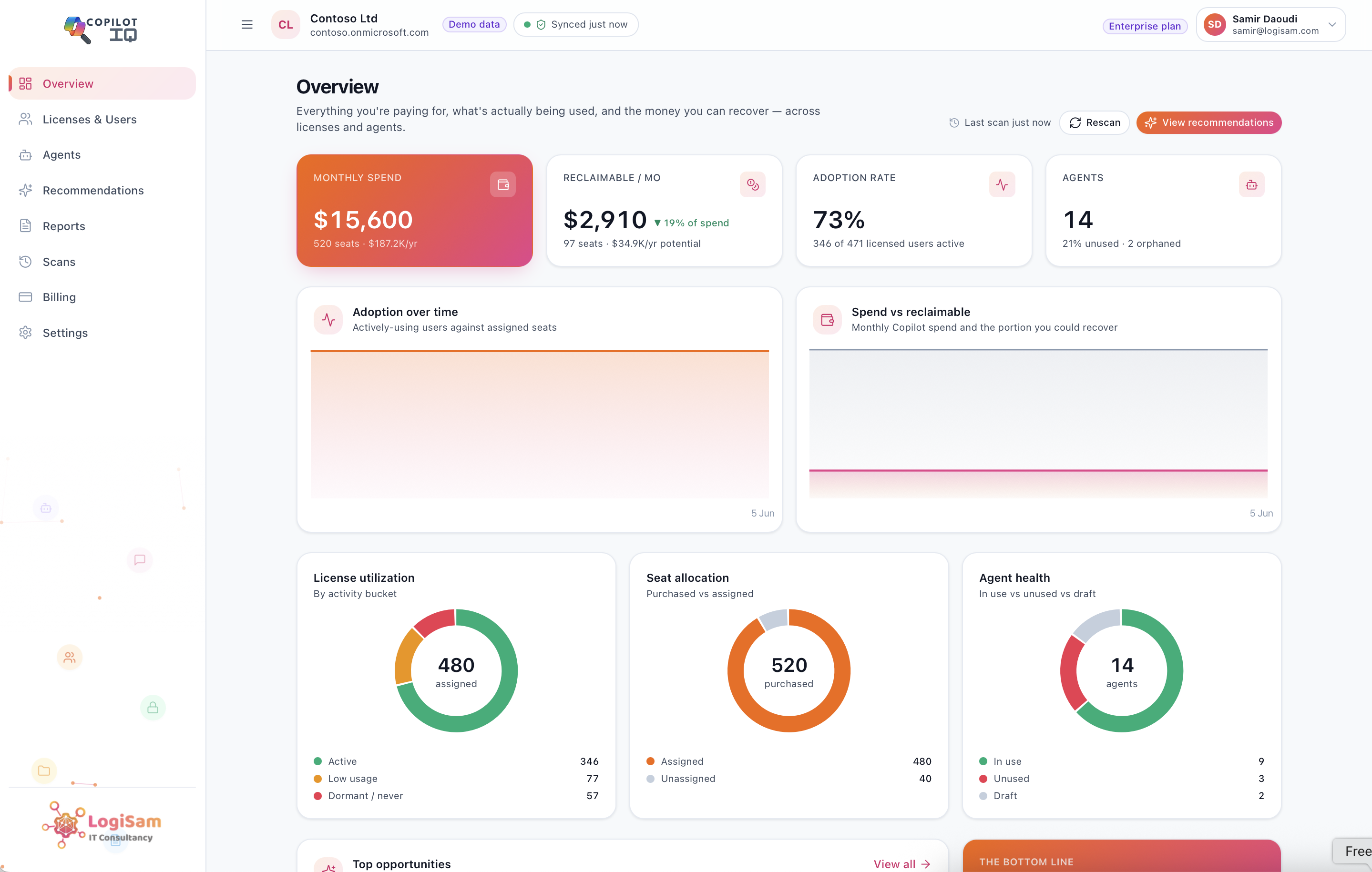
- Purchased vs assigned. It surfaces seats you’re paying for but haven’t even allocated — the simplest savings of all, recoverable at renewal.
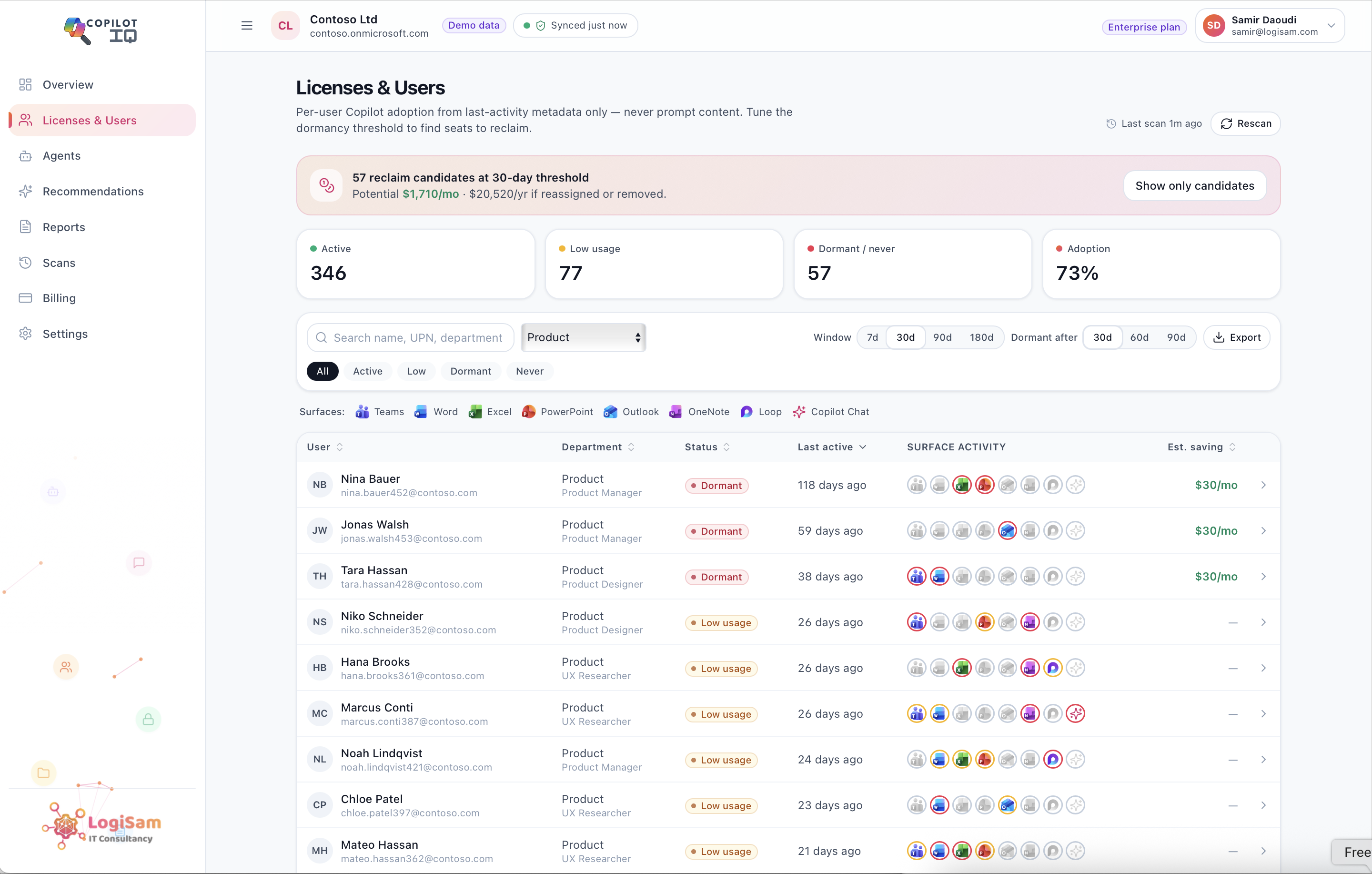
- Active vs dormant vs never-used. It classifies every assigned user from their last-activity metadata against a dormancy threshold you set — 30, 60 or 90 days — so “dormant” means what your organisation decides it means.
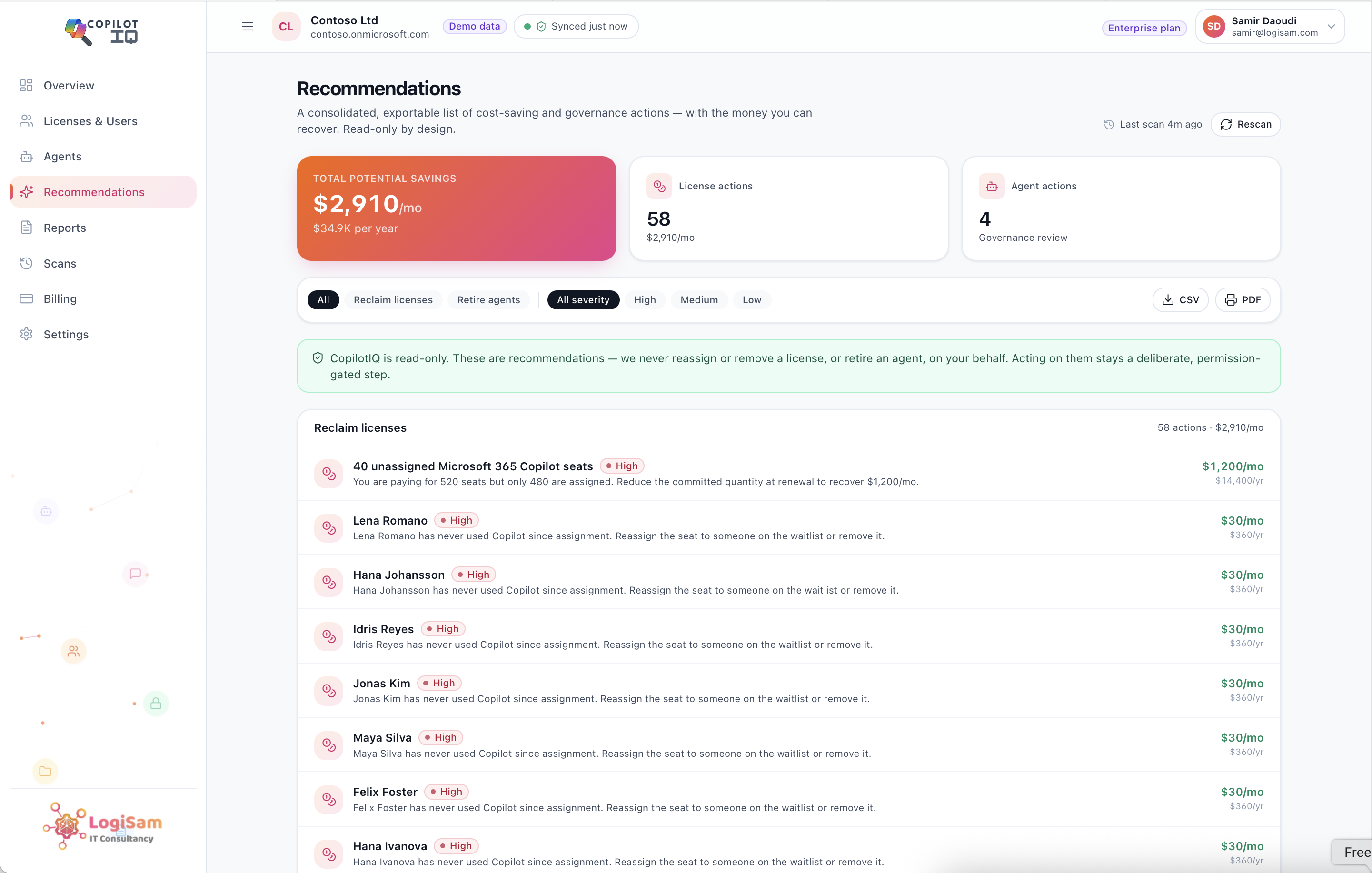
- Reclaimable spend, quantified. The waste becomes a single figure, per month and per year, derived from the per-seat rate you configure (Microsoft never returns your pricing, so the maths always uses your real negotiated cost).
- A per-user list to act on. Not just a total — the actual names and seats to review, sortable and exportable, so the follow-up is a task, not a project.
Read-only by design
Copilot Insights never removes or reassigns a licence for you. It recommends — you decide. That distinction matters: reclaiming a seat is a human decision with context Copilot Insights doesn’t have (someone on parental leave, a seasonal role, an exec who’ll need it next week). Copilot Insights’s job is to make sure that decision is informed, and that nothing idle slips through unnoticed.
The payback is usually immediate
Because the savings are recurring, most teams find that the seats they reclaim in the first month cover the cost of the tool many times over — and then keep saving, month after month, as the scan catches new dormancy before it becomes entrenched.
You can’t optimise what you can’t see. Start by seeing it.