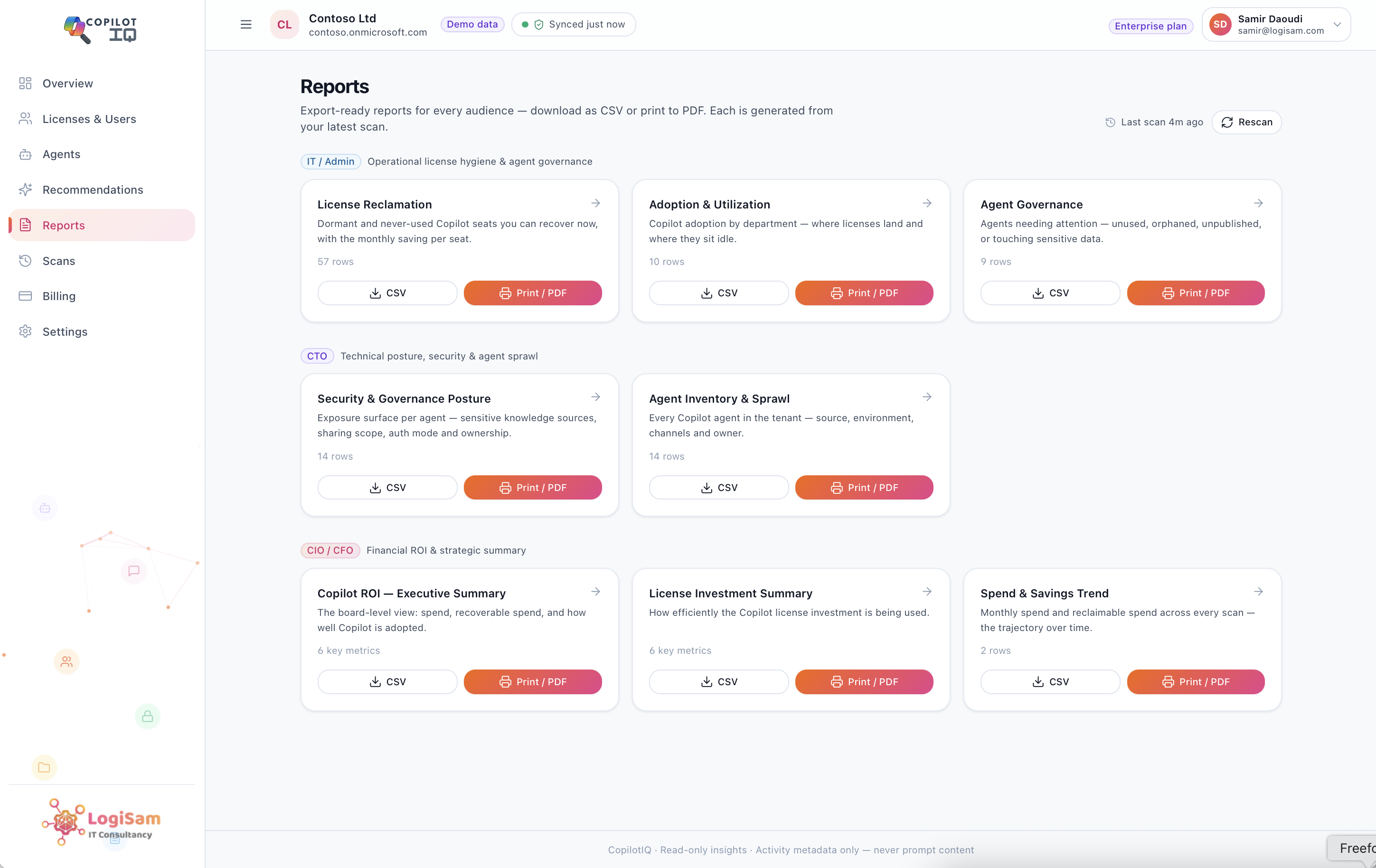
Measure Copilot ROI Without Reading a Single Prompt
Measure Copilot ROI: Copilot Insights tracks Copilot ROI and adoption without ever reading a prompt. See how metadata-only, read-only design delivers full…


Most Copilot monitoring tools ask for access they don’t need. Copilot Insights was built to prove ROI and governance without ever touching what someone actually typed.
Why “Monitoring Copilot” Is the Wrong Framing Entirely
The fastest way to lose trust with a security team is to introduce a tool that claims to “monitor Copilot” by reading what people actually type into it. That framing alone is usually enough to end the conversation before it starts, and for good reason. Prompt content can contain anything: draft emails, strategic discussions, client details, personal context an employee never expected a third-party tool to capture.
We built Copilot Insights on the opposite principle. The question was never how much data can this tool collect. It was how little access does this tool actually need to answer the questions leadership is asking, and can that boundary be enforced by design rather than by policy.
What “Metadata-Only” Actually Means in Practice
Copilot Insights is metadata-only and read-only by design, and that’s not a configuration setting someone could accidentally turn off, it’s how the product is architected. It never accesses prompt content, message bodies, or document text, under any circumstances.
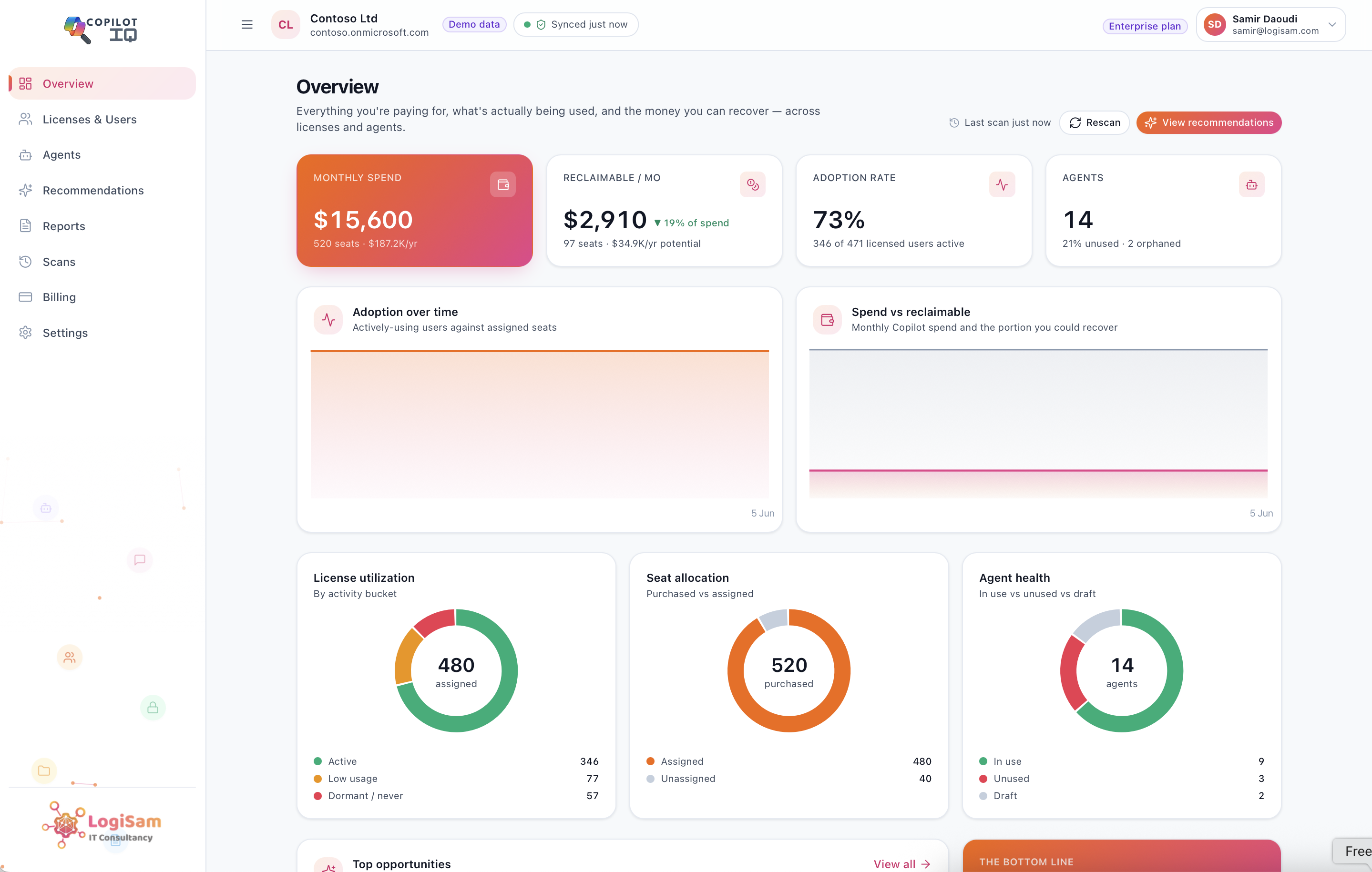
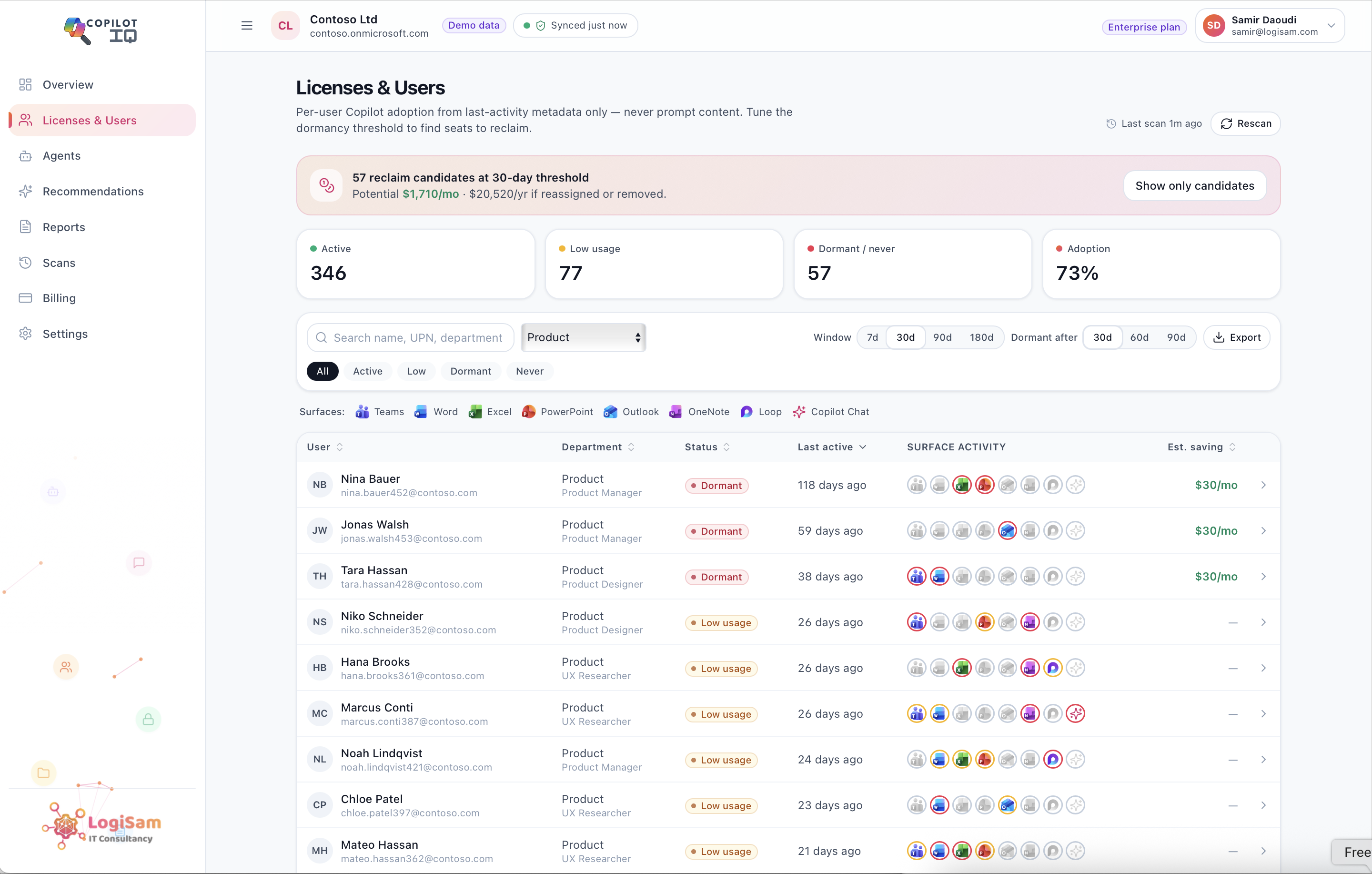
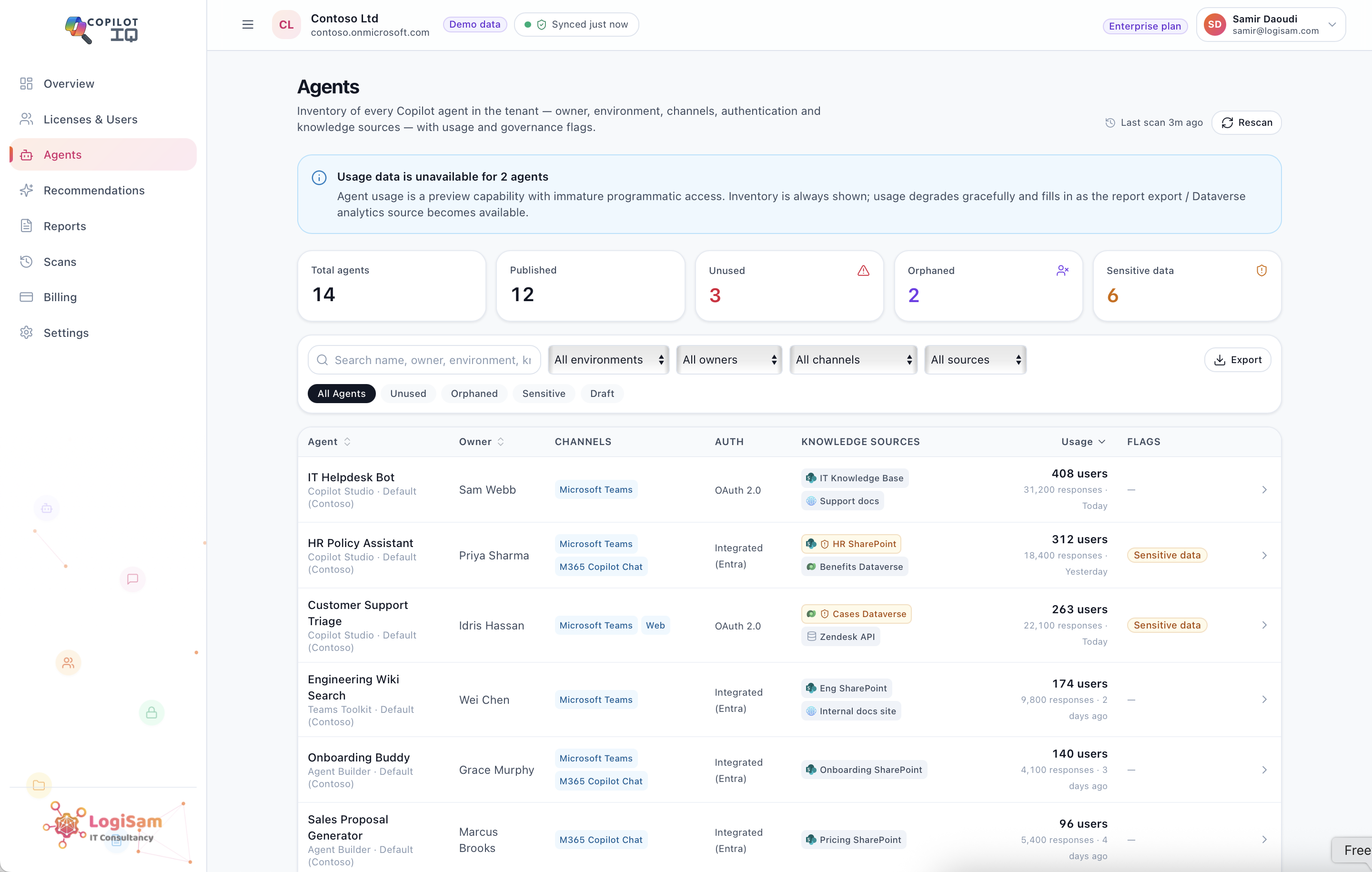
Every figure Copilot Insights produces comes from exactly two sources. The first is activity metadata: last-activity dates per user and surface, licence counts, and agent inventory across the tenant. The second is your own pricing configuration, entered directly by your team. Microsoft never returns your actual Copilot pricing through the Graph API, so every spend and savings figure Copilot Insights shows is derived from the rate you set yourself, not scraped or assumed.
This distinction matters more than it might first appear. A tool that needs to read prompt content to calculate ROI is making a design choice, not a technical necessity. Activity metadata alone, last used when, on which surface, how often, is enough to build a complete adoption and spend picture without ever needing to know what was actually asked or answered.
The Design Principles Copilot Insights Doesn’t Compromise On
Three commitments sit underneath everything Copilot Insights does, and none of them are negotiable trade-offs made for convenience.
No prompt content, ever. Copilot Insights works entirely from activity signals, never from what was asked or what Copilot answered. There’s no mode, setting, or admin override that changes this.
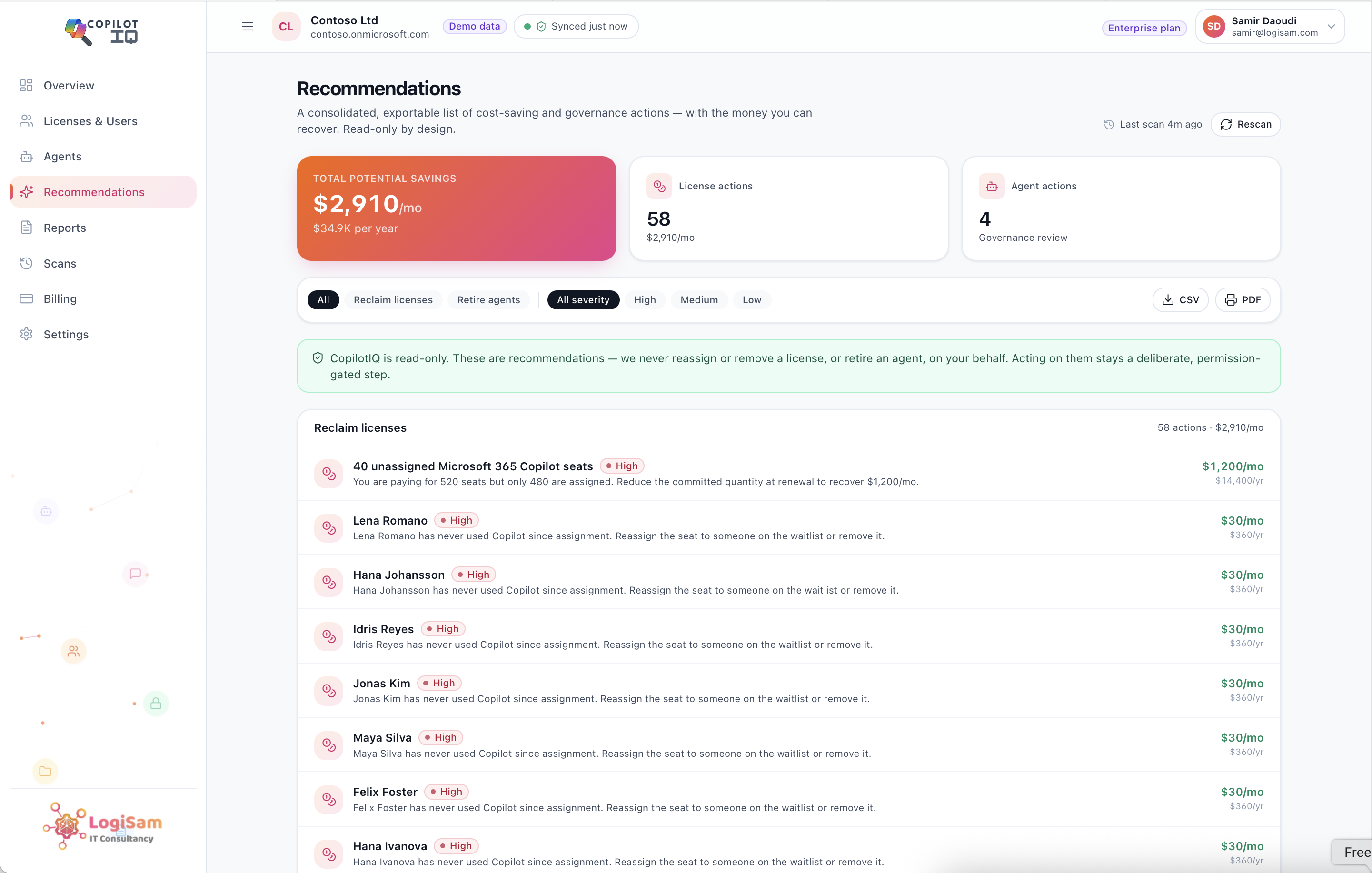
Read-only, always. Copilot Insights can recommend reclaiming a dormant seat or retiring an unused agent, but it never performs that action itself. Acting on a recommendation stays a deliberate, permission-gated step your team takes, not something automated on your behalf.
Tenant-isolated by default. Every figure Copilot Insights produces is scoped strictly to your own tenant, accessed through Microsoft admin consent and least-privilege, read-only Graph API scopes. There’s no cross-tenant data pooling and no broader access than the specific metadata the reporting requires.
Why This Changes the Conversation With Security Teams
The practical effect of this design is straightforward: you get the full ROI and governance picture, adoption trends, reclaimable spend, agent risk exposure, without any of the surveillance baggage that usually comes attached to workplace analytics tools. That’s the difference between a tool that needs a difficult conversation with your CISO before approval, and one that doesn’t.
Most Copilot governance tools ask an organisation to accept a trade-off: better visibility in exchange for broader access. Copilot Insights was built specifically to avoid that trade-off, on the position that meaningful visibility and prompt-level access were never actually the same requirement in the first place. Knowing that a licence hasn’t been touched in 60 days doesn’t require knowing what was typed into it the last time it was.
Insight Without Intrusion
This isn’t a compliance checkbox added after the fact. It’s the starting design constraint Copilot Insights was built around, before a single dashboard or report was designed. The result is a tool that can sit in front of a CISO, a data protection officer, or an employee works council without the usual list of caveats about what it can technically see.
Full ROI visibility, complete agent governance, and zero access to what anyone actually said to Copilot. That’s not a compromise between insight and privacy, it’s what happens when the two are treated as compatible requirements from the start rather than competing ones.
See Copilot Insights’s privacy-first approach and what it tracks, and what it deliberately never touches.