
Zales App Template – Modern Dashboard for Power Apps
Download the Zales App Power Apps canvas app template. A modern, responsive dashboard connecting SharePoint, Dataverse, and Excel. Free to explore — built…


A sleek Power Apps canvas app template for building custom dashboards with responsive layouts, intuitive navigation, and real-time data integration.
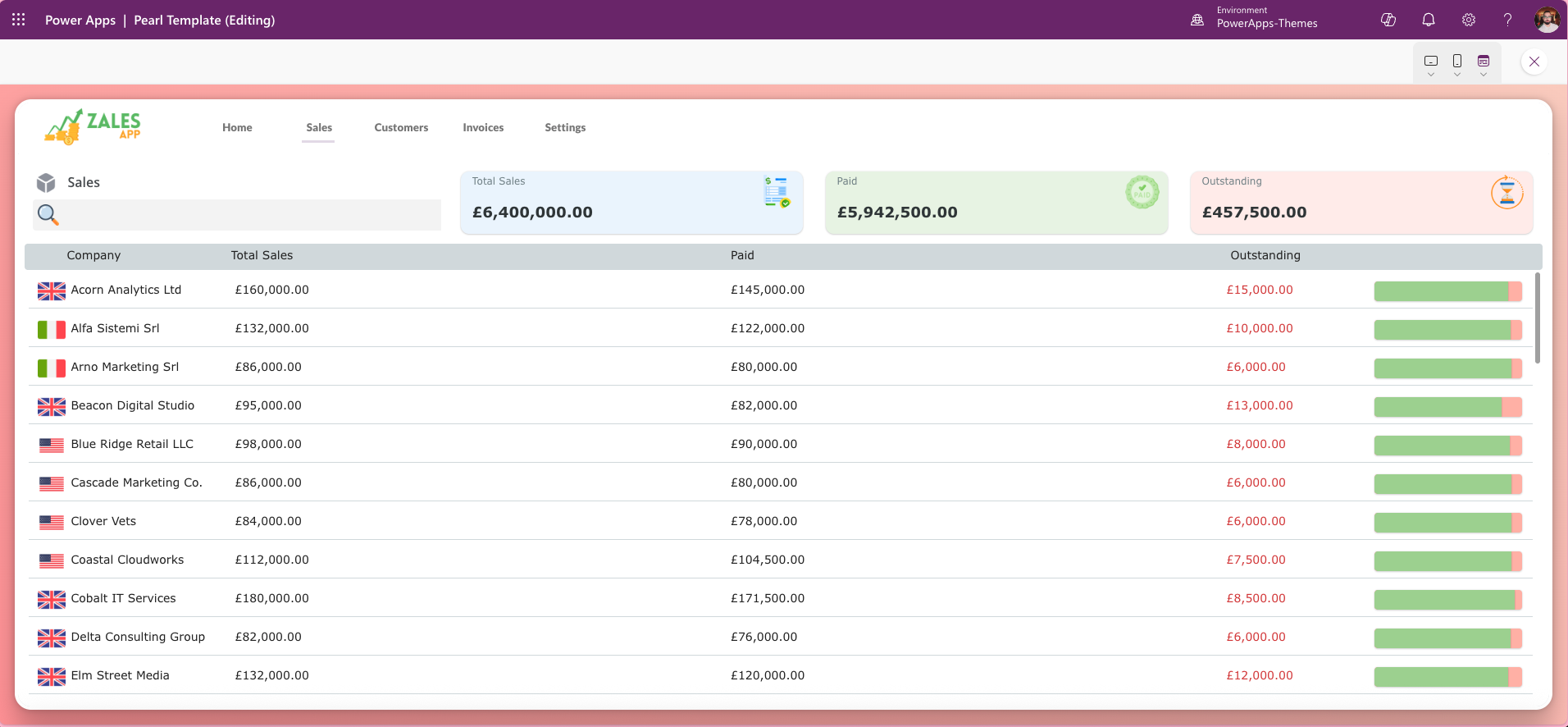
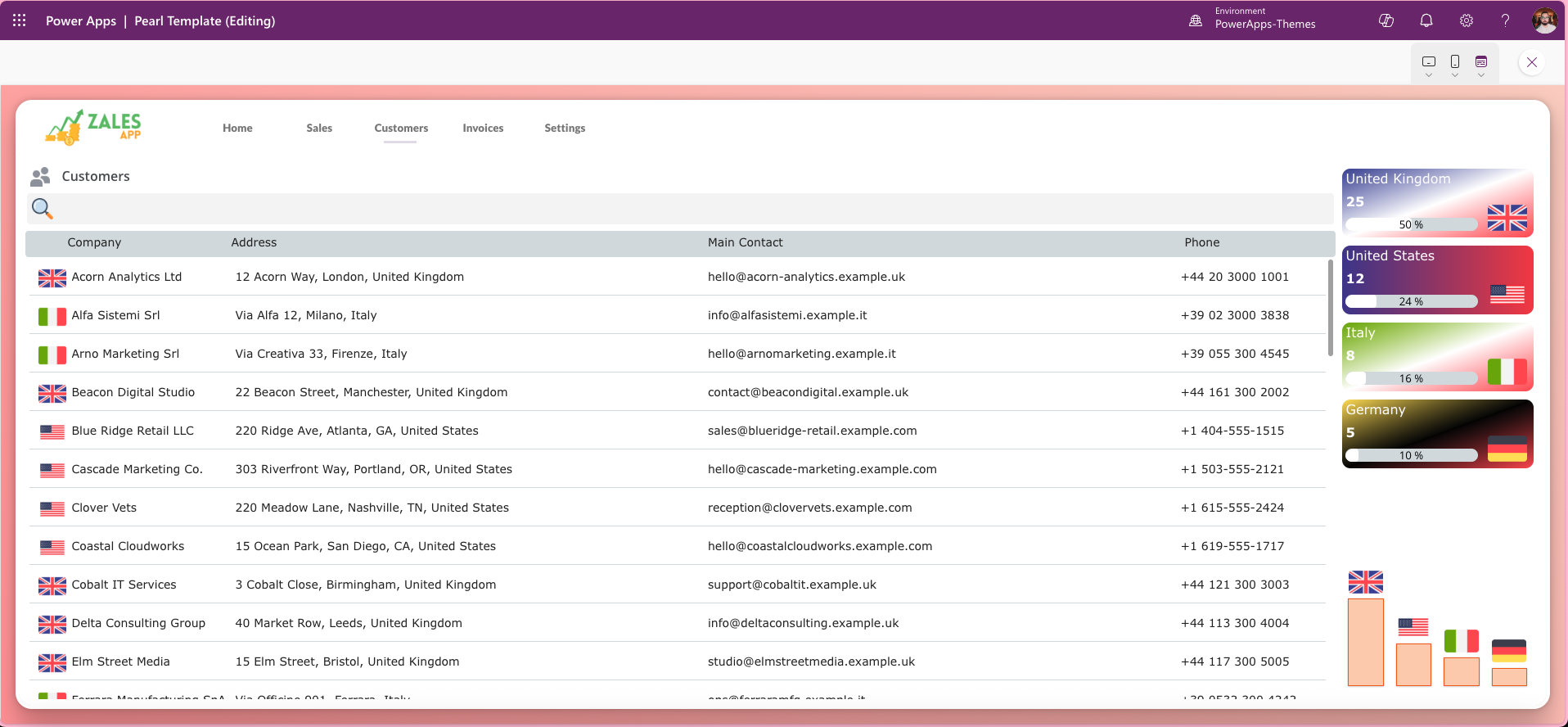
What Is the Zales App Power Apps Template?
The Zales App Template is a Power Apps canvas app designed to accelerate dashboard creation with a polished, modern interface. It offers:
- Flexible Layouts: Pre-built sections for cards, charts, and KPIs to organize data effectively.
- Customizable Design: Easily adapt colors, fonts, and components to match your brand.
- Responsive Experience: Optimized for desktop, tablet, and mobile devices.
- Data Integration: Connect to SharePoint, Dataverse, Excel, or other sources for live insights.
- User-Friendly Navigation: Built-in menus and navigation for smooth app flow.
Ideal for performance tracking, reporting, and operational overviews, this template saves development time while delivering a professional look.
Key Features of This Power Apps Dashboard Template
- Flexible layouts — pre-built sections for KPI cards, bar charts, and data tables to present metrics clearly
- Responsive design — optimised for desktop, tablet, and mobile, so your dashboard works wherever your team works
- Customisable branding — adapt colours, fonts, and components to match your organisation’s visual identity
- Live data integration — connect to SharePoint lists, Dataverse tables, Excel files, or any Power Platform-compatible data source
- Built-in navigation — structured menus and screen transitions for a smooth, professional user experience
- Quick deployment — no complex configuration required; import the template, connect your data source, and publish
Who Is This Power Apps Template For?
This dashboard template is designed for a range of users across the Microsoft Power Platform ecosystem:
- Power Platform developers looking to reduce build time on client projects
- IT teams and Microsoft partners deploying internal tools on Microsoft 365
- Business analysts and operations managers who need a self-service reporting dashboard
- Organisations already using SharePoint or Dataverse who want a front-end that reflects their brand
Compatible Data Sources
The Zales App template is designed to work with the most widely used data sources in the Microsoft ecosystem:
- SharePoint — connect to lists and libraries directly from your Microsoft 365 tenant
- Microsoft Dataverse — suitable for organisations using Dynamics 365 or model-driven apps
- Excel (OneDrive or SharePoint) — ideal for lighter workloads or pilot implementations
- SQL Server and Azure SQL — for enterprise-grade data requirements


