
XT HelpDesk – Power Apps Canvas Template
Download the XT HelpDesk Power Apps canvas template. Log, track, and resolve IT incidents with a ready-to-deploy helpdesk app built for Microsoft 365 — by…


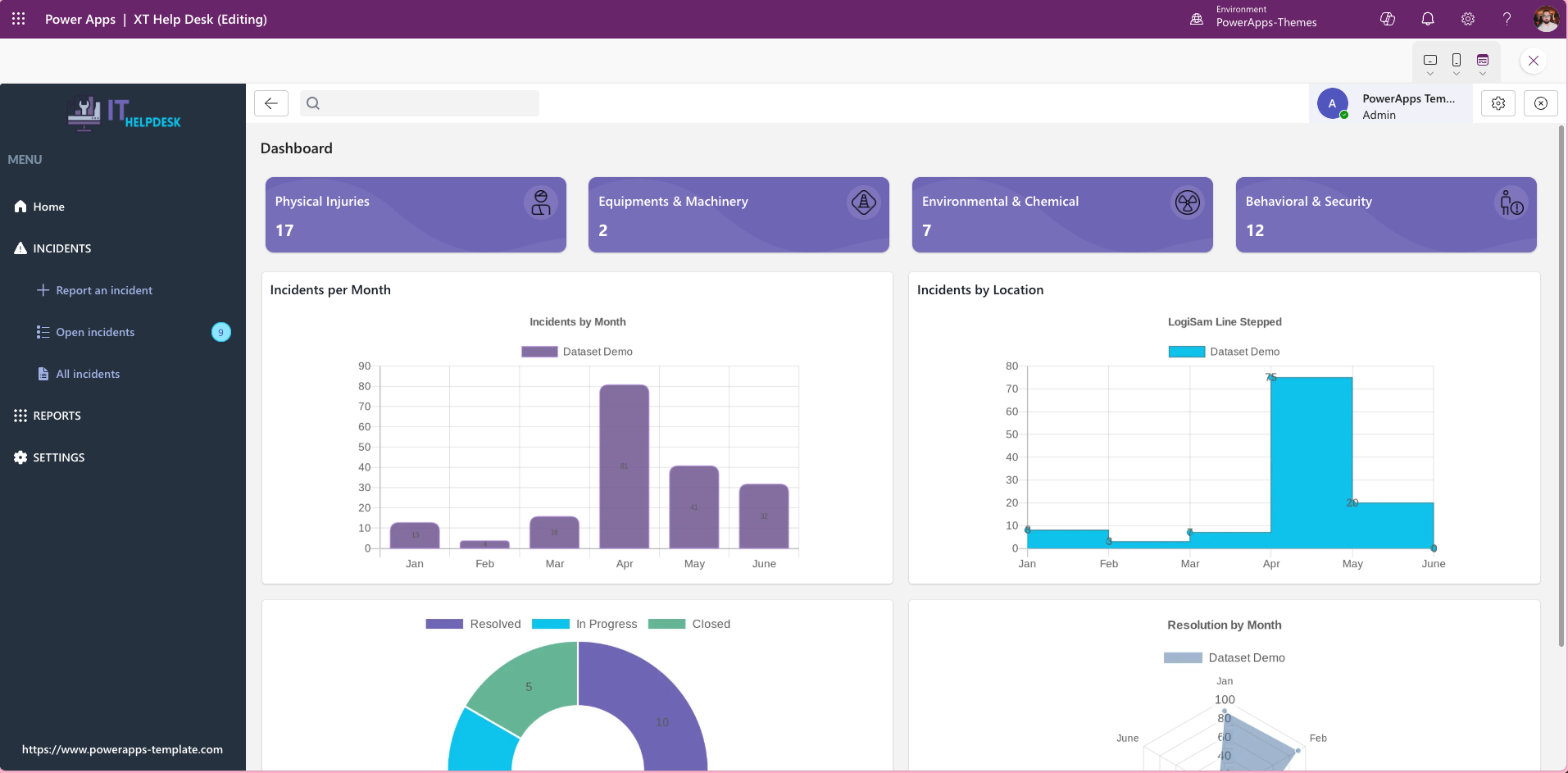
Kickstart your IT Helpdesk or incident management solution with XT HelpDesk, a ready-to-use Power Apps Canvas template designed for speed and simplicity. This template provides a modern, intuitive interface for tracking, managing, and resolving IT incidents efficiently.
What Is the XT HelpDesk Power Apps Template?
Kickstart your IT Helpdesk or incident management solution with XT HelpDesk, a ready-to-use Power Apps Canvas template designed for speed and simplicity. This template provides a modern, intuitive interface for tracking, managing, and resolving IT incidents efficiently.
Key Features:
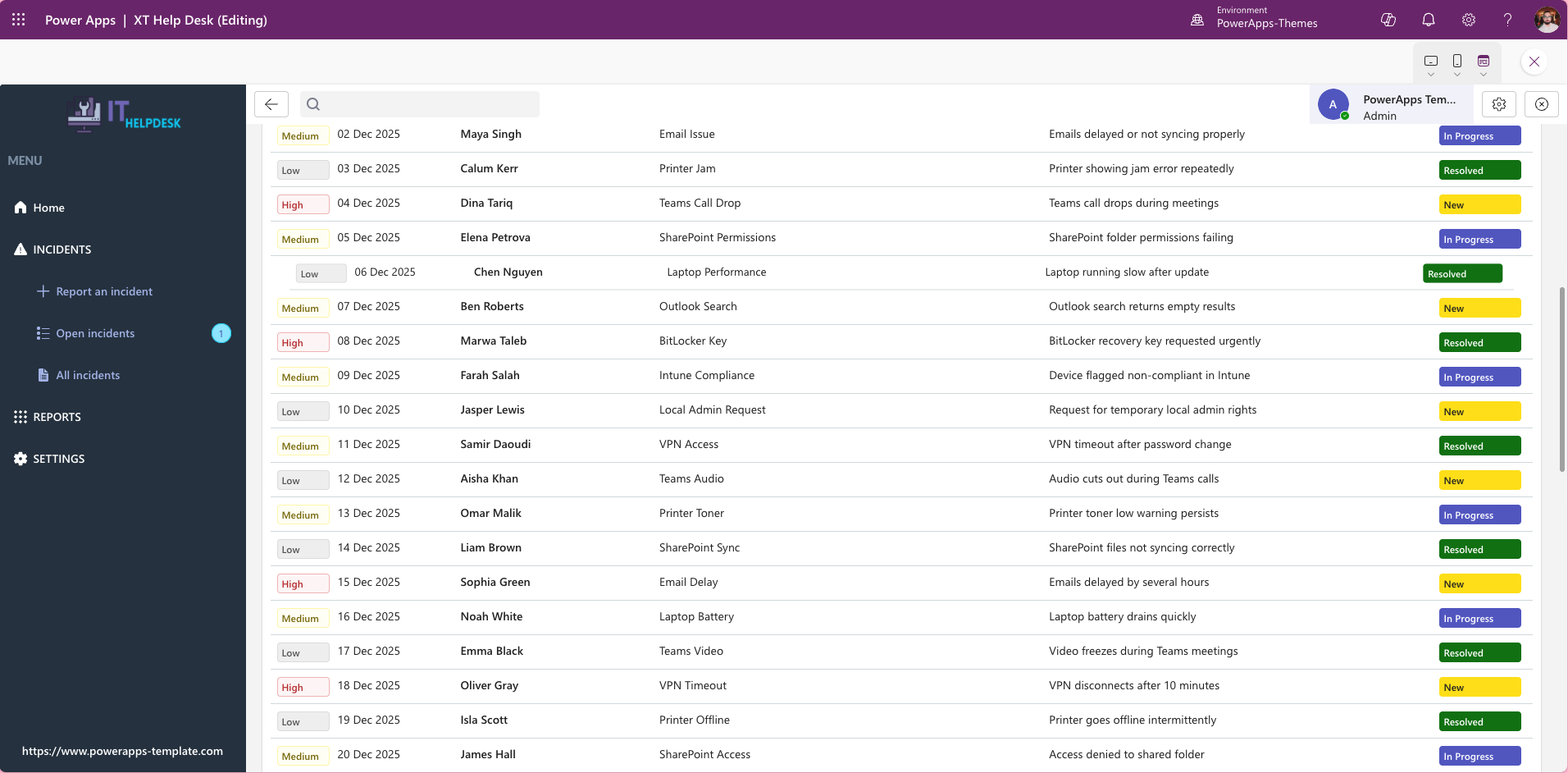
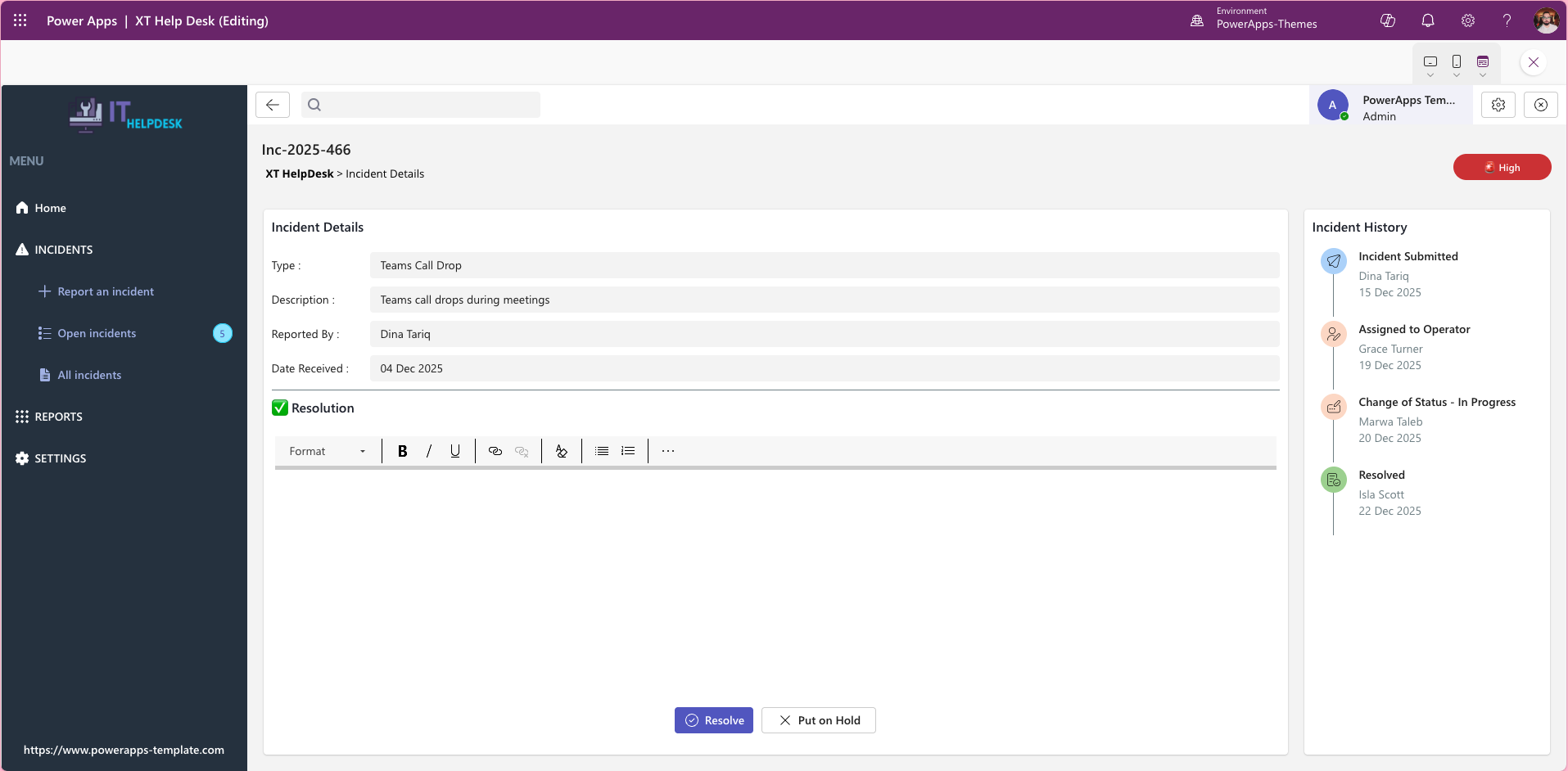
- Incident Logging: Quickly capture and categorise issues with essential details.
- Status Tracking: Monitor progress from “New” to “Resolved” with clear status indicators.
- User-Friendly Design: Built with a clean, responsive layout for desktop and mobile.
- Customisable: Easily adapt fields, workflows, and branding to fit your organisation’s needs.
- Integration Ready: Connect with Microsoft Dataverse, SharePoint, or other data sources for seamless data management.
Ideal For:
IT teams, service desks, and organisations looking to accelerate their helpdesk setup without starting from scratch.
Key Features
- Incident logging — capture and categorise new issues quickly with pre-built fields for priority, category, description, and reporter details
- Status tracking — monitor every open incident from New through In Progress to Resolved, with clear visual status indicators across all active tickets
- Assignment and ownership — assign incidents to individual team members or support groups so accountability is clear at every stage
- Responsive canvas app design — built with a clean, modern layout that works on desktop, tablet, and mobile devices
- Customisable fields and workflows — adapt categories, priority levels, status labels, and form fields to match your organisation’s ITSM process without writing code
- Integration ready — connect to Microsoft Dataverse, SharePoint, or SQL Server so your ticket data lives where your team already works
Who Is This Template For?
The XT HelpDesk template is designed for IT teams and organisations that need a working helpdesk solution quickly:
- IT departments and service desks managing internal support requests and incident queues
- Managed service providers and Microsoft partners building a helpdesk app for a client
- Organisations replacing email-based or spreadsheet-based incident tracking with a proper app
- Power Platform developers who want a polished, extensible foundation to build on
- Microsoft 365 teams looking to consolidate IT support workflows inside their existing tenant
Compatible Data Sources
The XT HelpDesk template connects to the most widely used data sources in the Microsoft ecosystem:
- Microsoft Dataverse — recommended for organisations that need relational data, role-based access control, or integration with Dynamics 365 or Power Automate flows
- SharePoint — connect to lists in your existing Microsoft 365 tenant for a fast, lightweight deployment
- SQL Server and Azure SQL — for enterprise environments with existing IT service data infrastructure
- Excel (OneDrive or SharePoint) — suitable for small teams running a proof of concept or pilot rollout


