Starting point
143 licensed users. Microsoft 365 E5 throughout. SharePoint + Teams footprint at 29.9 TB, OneDrive at 901 GB, Exchange at 1.2 TB. Total tenant: about 32 TB. Microsoft included pool: 2.4 TB (1 TB base + 1.4 TB from 143 × 10 GB per user). Overage: 27.5 TB. Monthly bill on overage at list price: $5,498. Annual: $65,975.
The scan took 47 minutes and surfaced 142 recommendations across the tenant, prioritised by reclaimable storage:
- 102 SharePoint sites without listed owners
- 38 sites not modified in over 18 months
- 24 OneDrive accounts belonging to users who hadn’t logged in for 6+ months
- 19 Exchange mailboxes over 5 GB
- A handful of Teams whose attached SharePoint site dwarfed the channel activity
What we acted on first
We started with the 38 stale sites, which accounted for 8.4 TB of storage. None had been modified in more than 18 months, and two-thirds had no owner. We exported the list, the IT director’s deputy reviewed it with department heads, and 32 of the 38 sites were archived within three weeks. The remaining six had legal-hold requirements. Net reclaim: 7.1 TB.
Phase two: oversized mailboxes
Exchange wasn’t the biggest target, but it had the highest concentration of waste. Five distribution lists accounted for 14% of all email storage. Retention policies hadn’t been reviewed since the tenant was created in 2019, so we applied a 24-month retention policy to the worst offenders. Net reclaim from Exchange: 800 GB.
Phase three: OneDrive offboarding
There were 24 inactive OneDrive accounts, averaging 4 GB each. The standard offboarding process had been to disable the user in Entra and leave the content in place, which meant nothing was ever archived. We migrated the eight accounts with relevant content to a shared archive site and deleted the other 16. Net reclaim: 5.1 TB, as some accounts were much larger than average.
Where the tenant landed
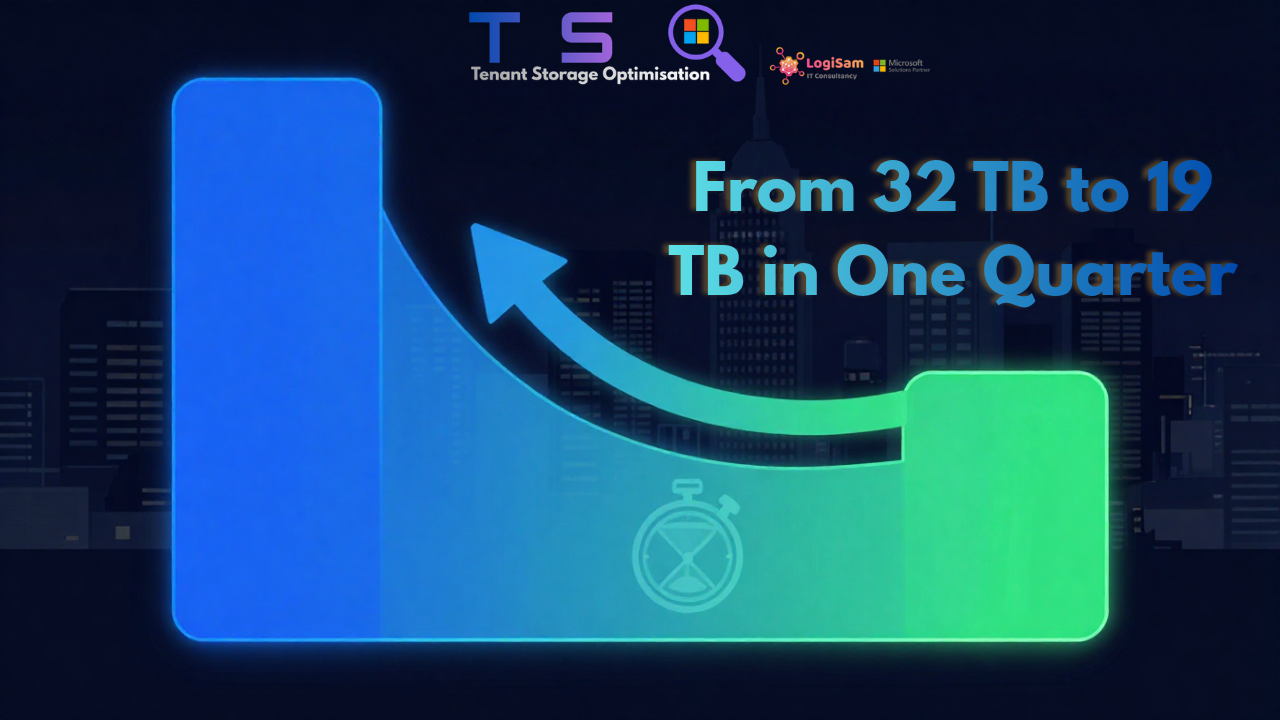
After 13 weeks, SharePoint + Teams storage had dropped to 16.5 TB, OneDrive to 580 GB, and Exchange to 1.1 TB. The new tenant total was 18.2 TB against the same included pool of 2.4 TB. Overage fell to 15.8 TB, reducing the monthly cost to $3,160 and the annual cost to $37,920. That delivered annual savings of $28,055, a 43% reduction—slightly above our conservative projection and in line with the aggressive scenario.
What didn’t happen
No live content was deleted. No active user lost access to anything they were still using. There were no legal-hold violations, and no one had to chase end users to clean up their own OneDrive. Every reclaimed gigabyte came from content that had already been abandoned in place. TSO’s role was simply to identify it and present an actionable list.
The maintenance story
Six months later, the tenant had grown back to 19.4 TB. That represents a 7% increase in six months, compared with the 30% annual growth rate it had been running before the cleanup. Storage discipline is never permanent, but it is durable enough that a single cleanup can buy around 18 months of runway before the next one is worth doing.
What this means for you
If your tenant is mid-market or larger and your overage line is non-zero, the same maths will likely apply. The variable is not the storage bill itself, but whether anyone has produced an actionable list of what can safely be reclaimed. That is exactly what we built TSO to do.