Discover how HR365 leverages AI and Microsoft Copilot to help HR teams draft job descriptions faster, improve consistency, and accelerate the hiring process.
Discover why businesses in the UAE are moving from standalone HR software to Microsoft 365-based HR systems. Learn how integrated solutions like HR 365 reduce cost, improve security, and simplify HR operations.
Learn how HR365 simplifies employee onboarding with configurable tasks, owners, and task types—fully integrated with Microsoft 365, Teams, and Copilot.
See how HR365 simplifies employee creation with guided onboarding, automation, and Microsoft 365 integration.
Discover HR365’s fast, multi‑filter employee search built into Microsoft 365—accurate, scalable, and Copilot‑ready.
Create, assign, and track HR forms with HR365’s built‑in low‑code forms builder—fully integrated with Microsoft 365.
Centralise employee documents securely with HR365—role‑based access, auditability, and Copilot‑ready search.
See how HR365 simplifies IT and HR asset tracking with structured assignments, accountability, and Copilot‑ready insights.
Learn how HR365 lets HR teams configure departments, roles, documents, assets, and benefits—no IT tickets, no code.
Discover how HR365 brings workforce analytics into one interactive dashboard, powered by Power Apps, Dataverse, Teams, and Copilot.

Artificial intelligence is no longer a “future ambition.” With Microsoft Copilot now embedded across Microsoft 365, organisations have AI ready to save time, automate tasks, and elevate productivity. Yet, a large percentage of AI transformation initiatives still fail—not due to technology underperformance, but because organisations underestimate what it takes to operationalise AI at scale. Discover the common pitfalls that lead to failure and learn how to implement Microsoft Copilot effectively. From establishing clear business problems to ensuring strong data foundations, find out how to turn AI projects into successful transformations that drive real value.
Discover the top 5 Microsoft Copilot security risks exposing business data. Learn how AI governance, Microsoft Purview, and data controls solve each risk
A practical guide AI governance for SMEs owners and IT managers. Learn policies, risk registers, and controls to govern AI responsibly.
LogiSam partners with ImpactEra to deliver a complete AI transformation journey across the Middle East, Asia, and the UK. Through expert‑led AI and Copilot training combined with Microsoft‑native business solutions, we help organisations build AI readiness, accelerate adoption, and operationalise automation at scale. Discover how our joint programs enable teams to learn, adopt, and apply AI with practical, measurable results.
Unlock the potential of Microsoft 365 Copilot with our essential guide! Success depends on proper preparation. Discover five critical steps UK and UAE organizations must take before deployment, from tenant audits to optimizing SharePoint. Ensure a well-governed environment that boosts productivity and ROI. Dive in for a successful Copilot journey!

The UAE's legal landscape is transforming as courts adopt digital litigation, allowing remote hearings and electronic filings. With Abu Dhabi processing over half a million cases digitally, the shift to a fully digital system is the new normal. Law firms must modernize their operations to keep up with these changes. Discover how solutions like LegalCase365 can help legal teams align with digital courts and enhance efficiency. The future of legal practice in the UAE is here—are you ready to adapt?
Microsoft's plan for in-country Copilot data processing in the UAE by early 2026 marks a significant step for AI adoption. Local processing in Dubai and Abu Dhabi allows organizations to leverage generative AI with enhanced data security and compliance, fostering trust. This move positions the UAE as a global AI leader and has important implications for your organization’s future with Copilot.

Microsoft Elevate UAE aims to upskill over 300,000 students, educators, and government staff with AI and Copilot skills, driving national digital innovation.
Explore the 12 best low-code development platforms of 2025, including Power Apps, Salesforce, and OutSystems. Compare features, pricing, and ideal use cases.
Manual workflows drain time and introduce risk. This post breaks down nine proven automation use cases—from CRM and AP to HR, finance, and support—complete with KPIs, quick wins, and next steps. See how targeted automation cuts costs, improves accuracy, and frees teams to focus on higher-value work across your organisation.
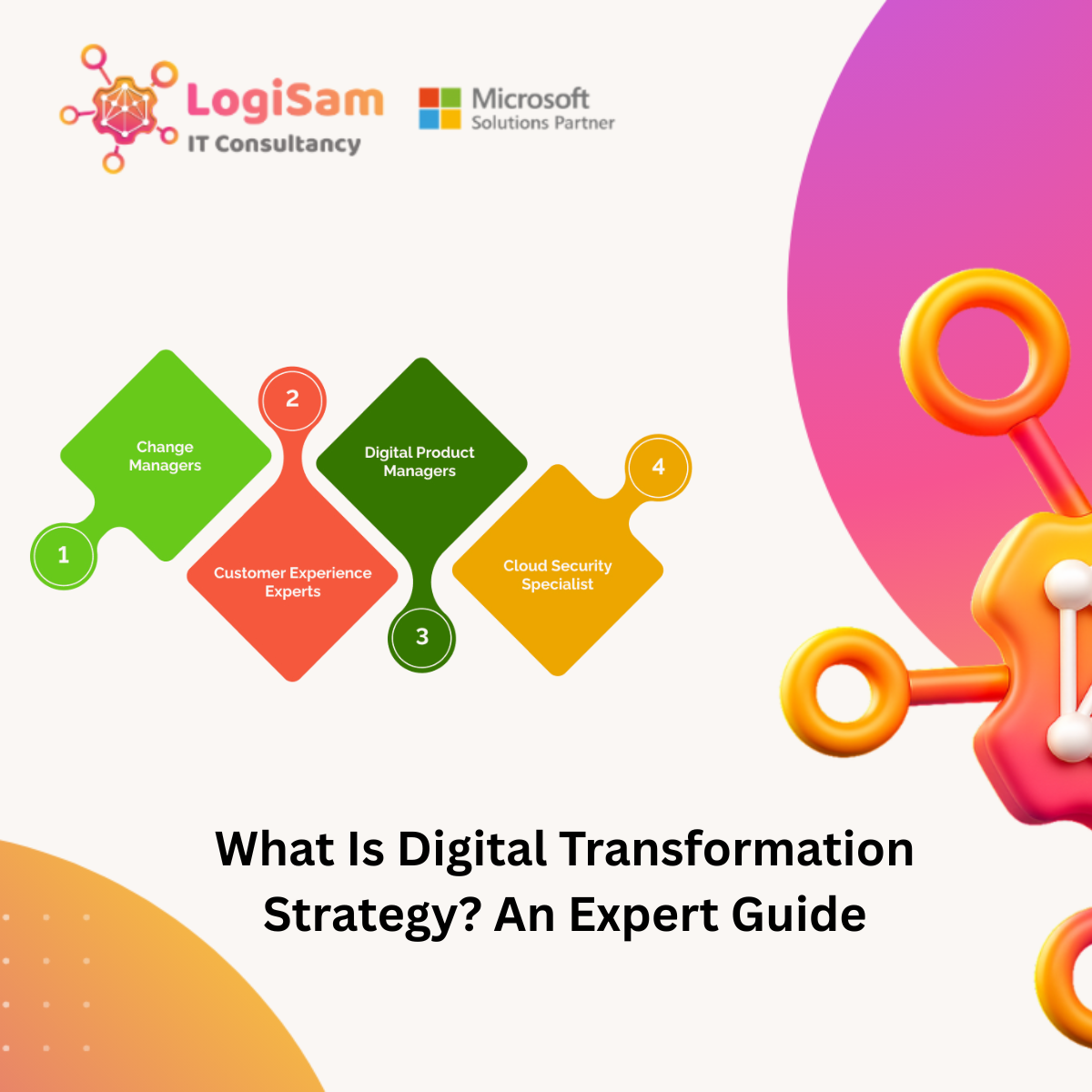
Digital transformation goes beyond adopting new technologies; it's a strategy that reshapes how your organization operates. This guide delves into the essential components of a successful digital transformation, focusing on aligning technology with business goals and fostering innovation. Discover the four key pillars, learn to measure success with key performance indicators, and recognize the crucial role of leadership. Ready to future-proof your organization? Unlock the potential of digital transformation!
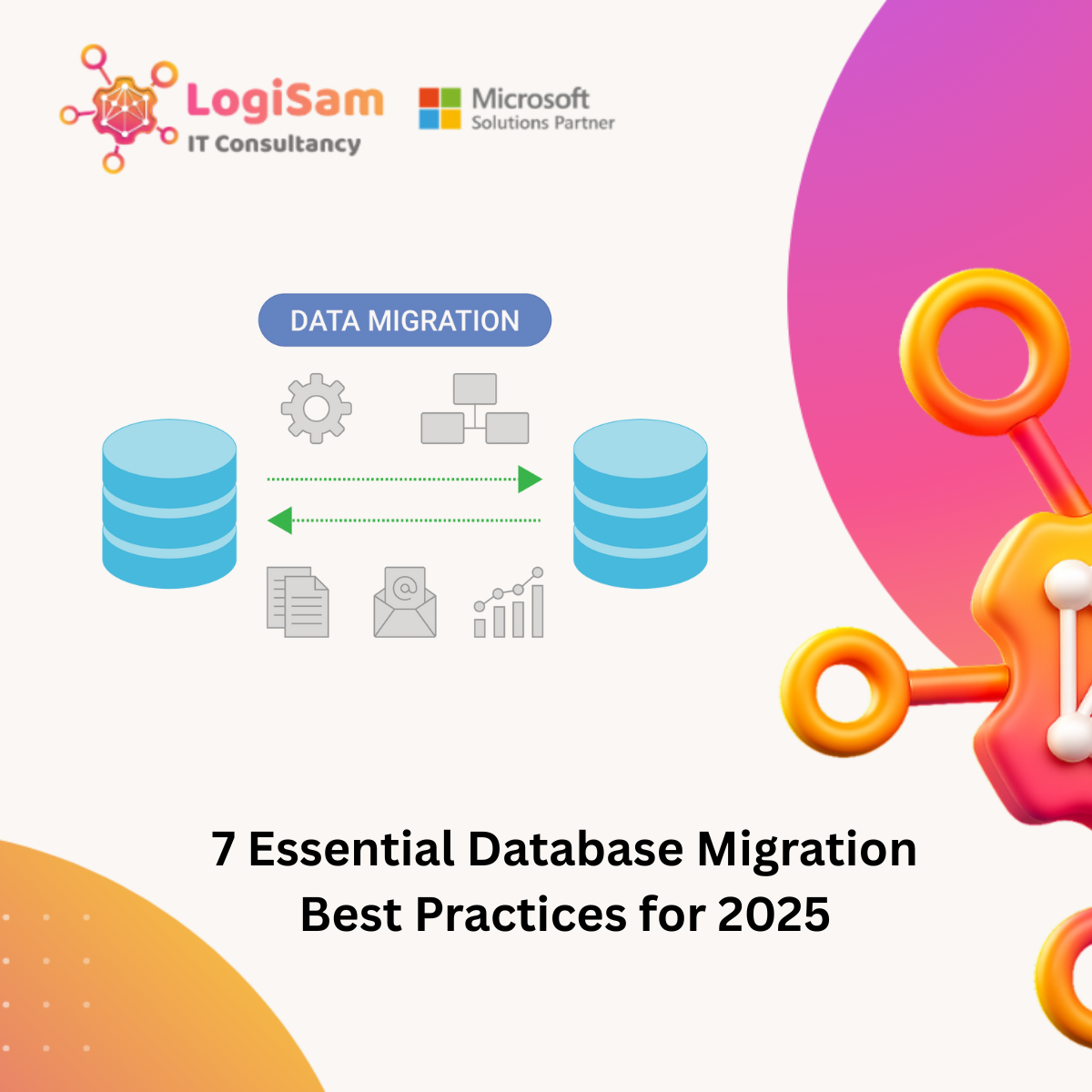
In today’s data-driven landscape, migrating databases can be daunting and may lead to costly downtime if not executed properly. With over 60% of complex migration projects exceeding budget or schedule, a structured approach is essential. This guide provides a roadmap grounded in best practices for Microsoft professionals. From careful planning and risk management to ensuring data integrity, discover the 7 essential practices that will enhance your migration project and protect your valuable data.
The article “7 Essential Microsoft 365 Security Best Practices for 2025” outlines the key steps every organisation should take to strengthen their Microsoft 365 environment. It covers practical measures like enabling MFA, adopting Zero Trust, using Microsoft Defender for Office 365, applying DLP and PAM, securing cloud apps, and leveraging Microsoft Sentinel for threat detection. The post emphasises that security is an ongoing process—requiring continuous monitoring, user awareness, and proactive governance to stay protected against evolving cyber threats.

Discover how multiple disconnected IT systems are costing your business productivity. Learn key stats on time wasted searching for information, and explore how LogiSam’s Microsoft 365 and Power Platform solutions help HR, IT, Legal, and Operations teams work smarter and more efficiently.

Discover how Fixit365, powered by Microsoft Copilot, transforms IT support by automating ticketing, enabling self-service through chatbot-enabled FAQs, and streamlining operations inside Microsoft Teams. Empower your IT teams to work smarter, resolve faster, and reduce support overhead.

Join Logisam at the Microsoft Power Summit in London on May 24th, 2025! We’re proud sponsors of this premier event focused on Microsoft Power Platform, AI Agents, and Copilot. Visit our booth at 2 Kingdom St, London W2 6BD to explore our powerful business apps—Fixit 365, HR365, LegalCase365, and Timesheet 365—and see how we help organizations drive digital transformation with Power Apps, Power Automate, Power BI, and Microsoft 365. Book a live demo and meet the experts in low-code development, governance, and AI integration.

What if your IT helpdesk could think, adapt, and collaborate—all within Microsoft 365? In this exclusive session, the founder of Logisam, a leading Microsoft Partner, unveils how Fixit365 is redefining IT support for the modern enterprise. Built on Microsoft Copilot, the Power Platform, and Teams, Fixit365 isn't just a helpdesk—it's a smart, agile, and fully integrated support solution.

Discover why UI/UX design is essential in the era of low-code and AI. Learn how great user experiences drive adoption, trust, and efficiency in modern applications built with platforms like Power Platform, OutSystems, and Mendix. Explore key UX principles, AI design considerations, and governance strategies to ensure your low-code solutions deliver real business value.

In today’s fast-paced and digitally connected workplace, Human Resources (HR) departments face the growing challenge of managing complex processes, data, and people—all while striving to deliver a seamless employee experience. With organizations embracing remote work, global talent pools, and evolving compliance requirements, the need for a unified HR platform has never been greater.

Learn how to implement effective Power Platform governance with this practical guide covering key areas such as environments, DLP (Data Loss Prevention) policies, Application Lifecycle Management (ALM), solutions, and best practices. Whether you're an IT admin, Power Platform architect, or a business leader enabling citizen development, this article will help you strike the perfect balance between innovation and control. Discover how to scale securely, empower makers, and future-proof your low-code environment.

Discover how the Tony Blair Institute transformed its project tracking with a custom SharePoint KPI Tracker App designed by Logisam. Faced with decentralized data management and complex reporting processes, TBI sought a centralized solution that not only streamlined operations but also enhanced decision-making. With features like real-time analytics, an intuitive user interface, and integrated planning tools, this innovative app has revolutionized the way TBI monitors its global initiatives. Dive into this case study to see how modern technology can elevate project management and drive impactful results.

Microsoft Copilot is more than a chatbot—it’s an AI-powered productivity tool that generates content, analyzes data, and automates workflows. Early users report a 70% productivity boost, but to maximize its potential, organizations must prepare their Microsoft 365 environment. Is your tenant ready for the AI revolution?

Artificial intelligence (AI) is reshaping the modern workplace, and Microsoft Copilot is at the forefront of this transformation. As part of the Microsoft 365 (M365) ecosystem, Copilot promises to boost productivity by integrating AI into tools like Word, Excel, Teams, and more. However, to fully harness the power of Copilot, organizations must prepare their M365 tenants carefully.
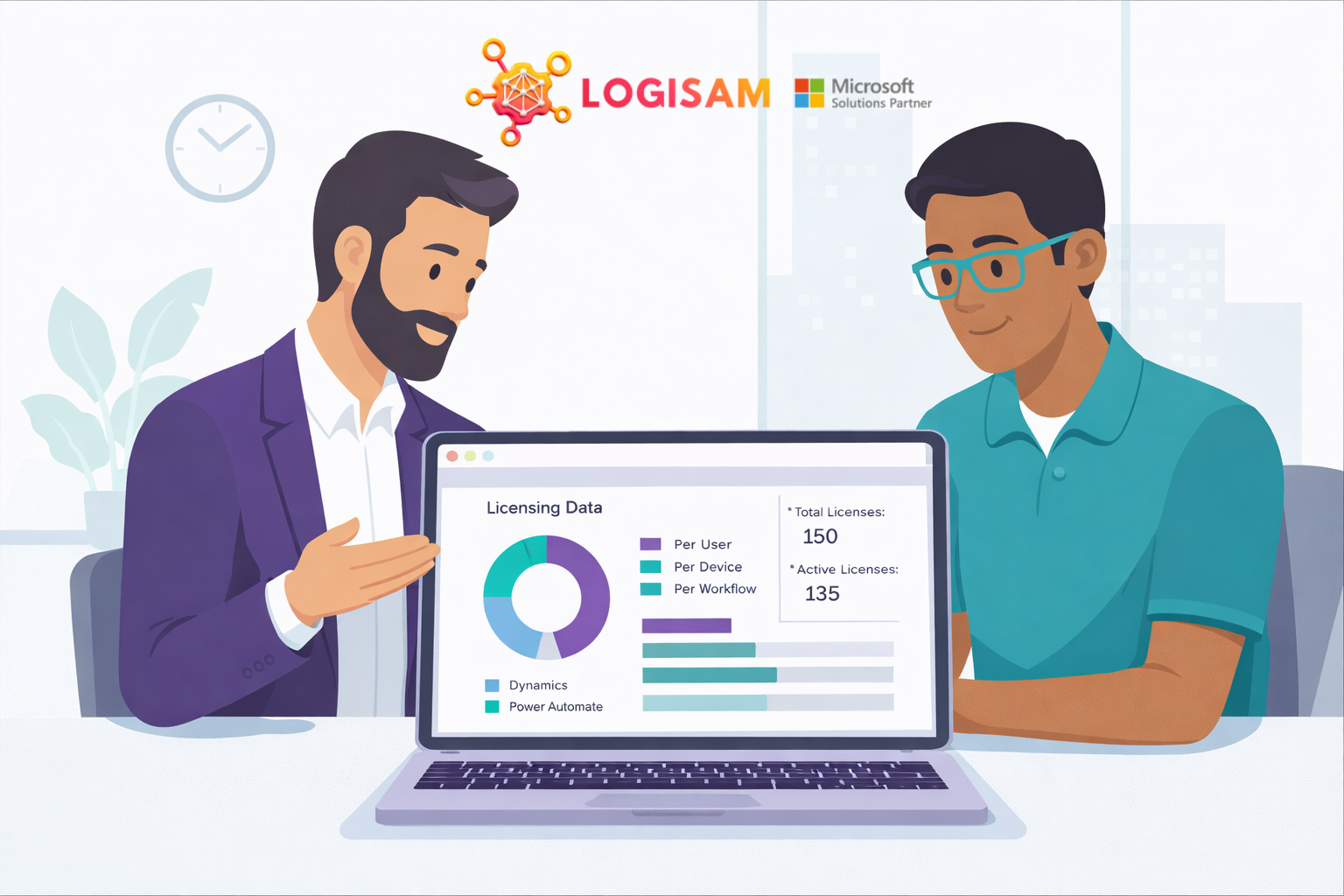
The Microsoft Power Platform is a suite of applications, connectors, and a data platform (Dataverse) that provides a low-code environment for app development, process automation, and data analysis. To use these tools effectively, understanding the licensing structure is crucial. Below is an explanation of Power Platform licenses and their key features.

We partnered with Rolls-Royce to replace outdated InfoPath forms with a modern, intuitive project management solution. Built on SharePoint, the solution featured a sleek custom interface using Bootstrap and SP.js, delivering a web-app-like experience. Enhanced with Power Automate workflows, it streamlined notifications, reminders, and progress tracking, significantly improving efficiency and user satisfaction. The result? A future-proof, scalable solution that redefined project management for Rolls-Royce.

Archer Daniels Midland (ADM) is a global leader in food processing and commodities, operating across multiple sites worldwide. With a focus on operational efficiency, ADM sought to improve its contractor productivity tracking process to drive better decision-making and streamline reporting.

In just two months, we developed a user-friendly Power App to streamline HR processes. This Canvas Application leverages Dataverse for secure data storage and integrates multiple Power Automates to handle business logic, such as notifications, reminders, and data processing. The app dynamically assigns roles, directing users to appropriate screens based on their permissions. To ensure flexibility, we provided the HR team with an interface that allows them to configure change request types, including: fully configure change request types, including: Defining the list of questions (e.g., Effective Date, New Job Title, Manager, Department). Setting the data type for each question (Text, Number, Yes/No, DropDown, People Picker). Creating new change request types and selecting relevant questions. Specifying approval requirements (e.g., Line Manager, HR, Budget Holder). Customizing the help section for each change type, with content displayed on a side panel to guide users through their requests.